Dell W-Airwave 7.5 Supported Infrastructure Devices Owner's Manual
Summary
Centralize network management with comprehensive support for wired and wireless infrastructure devices. This manual details all supported hardware models, software versions, and features for Dell PowerConnect W-AirWave 7.5. It enables IT professionals to monitor, configure, and manage a diverse mix of equipment from major vendors, including Cisco, Motorola, Aruba, and others, enhancing network control and simplifying complex multi-vendor environments.
Page 1 Text Content
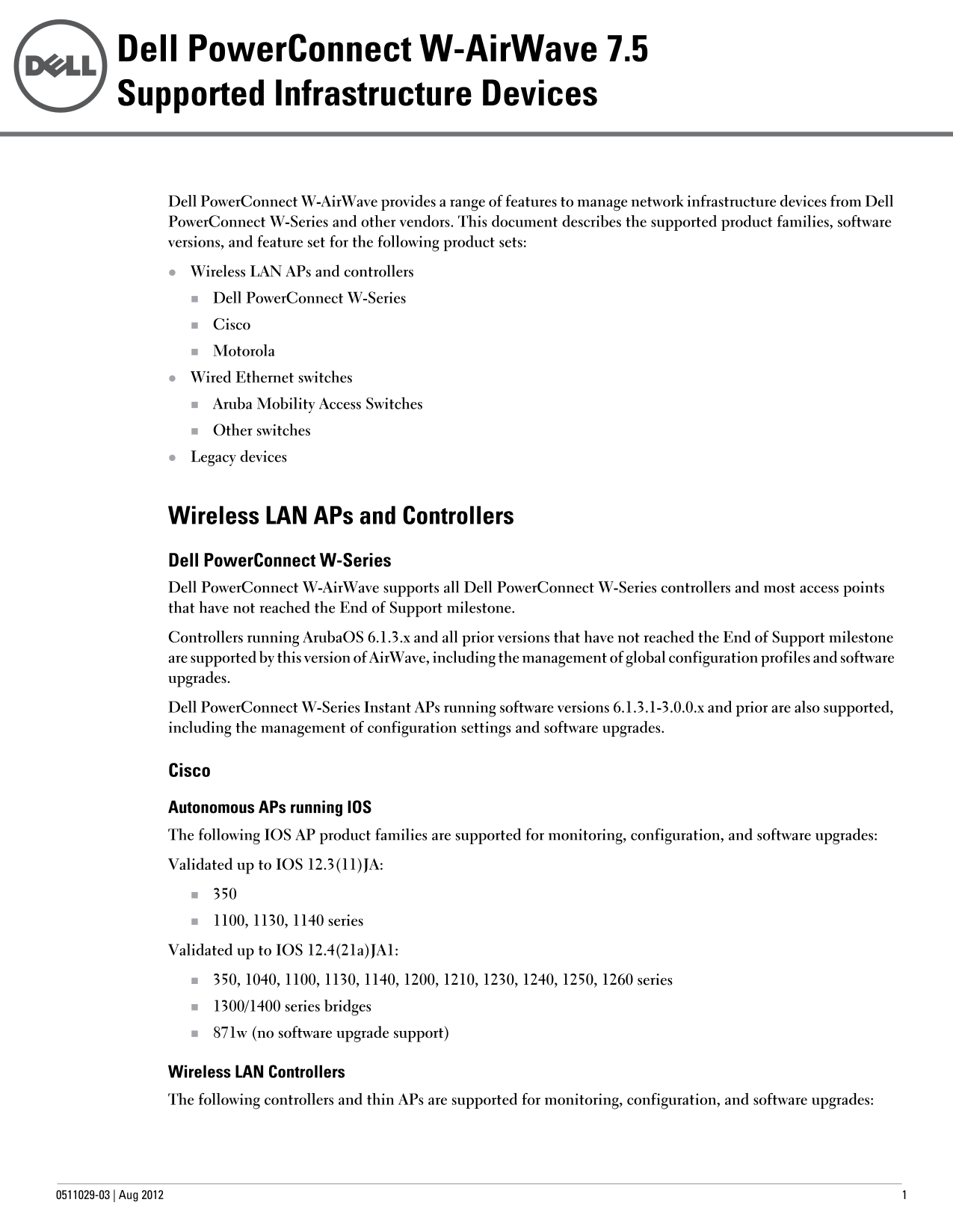
Dell Power Connect W-Air Wave 7.5 Supported Infrastructure Devices
Dell Power Connect W-Air Wave provides a range of features to manage network infrastructure devices from Dell Power Connect W-Series and other vendors. This document describes the supported product families, software versions, and feature set for the following product sets: Wireless LAN APs and controllers Dell Power Connect W-Series Cisco Motorola Wired Ethernet switches Aruba Mobility Access Switches Other switches Legacy devices
Wireless LAN APs and Controllers Dell Power Connect W-Series Dell Power Connect W-Air Wave supports all Dell Power Connect W-Series controllers and most access points that have not reached the End of Support milestone. Controllers running Aruba OS 6.1.3.x and all prior versions that have not reached the End of Support milestone are supported by this version of Air Wave, including the management of global configuration profiles and software upgrades. Dell Power Connect W-Series Instant APs running software versions 6.1.3.1-3.0.0.x and prior are also supported, including the management of configuration settings and software upgrades.
Cisco Autonomous APs running IOS The following IOS AP product families are supported for monitoring, configuration, and software upgrades: Validated up to IOS 12.3(11)JA:
1100, 1130, 1140 series Validated up to IOS 12.4(21a)JA1: 350, 1040, 1100, 1130, 1140, 1200, 1210, 1230, 1240, 1250, 1260 series 1300/1400 series bridges 871w (no software upgrade support)
Wireless LAN Controllers The following controllers and thin APs are supported for monitoring, configuration, and software upgrades:
0511029-03 | Aug
Page Summary Contents For Dell W-Airwave 7.5 Supported Infrastructure Devices Owner's Manual
Manual Details
| Brand | Dell |
|---|---|
| Pages | 4 |
| File Size | 99.44 KB |
| Published | June 23, 2026 |
Enter the captcha to get the download link:

Frequently Asked Questions
What criteria must a standalone wired switch support for monitoring by AirWave?
It must support the standard SNMP MIB-II objects.
How does AirWave detect potential rogue devices on the network?
Rogue AP detection is supported using the Q-BRIDGE MIB, and MAC addresses are collected from the BRIDGE MIB.
Are there any major series of controllers or access points that AirWave reports lack support for?
Support is not available for 500/600 series APs, 3600 series APs, or 7500 series controllers.