Dell Vostro 3400 Touchscreen Gestures User's Guide and Manual
Summary
This is a touchscreen gestures guide for Dell computers, explaining how to use multi-touch gestures on touchscreen-enabled devices. The manual covers zoom, dwell, flick, rotate, and scroll gestures with detailed instructions for each interaction method. It is intended for end users of Dell touchscreen computers who want to maximize their productivity using touch-based interactions.
Page 1 Text Content
65939A00.fm Page 1 Wednesday, November 17, 2010 9:59 AM
Touchscreen Gestures The touchscreen of your computer allows you to perform actions like zoom and scroll using gestures. These gestures are defined in the operating system and used in touchscreen enabled applications. NOTE: Some of the gestures are application-specific and may not work outside the application.
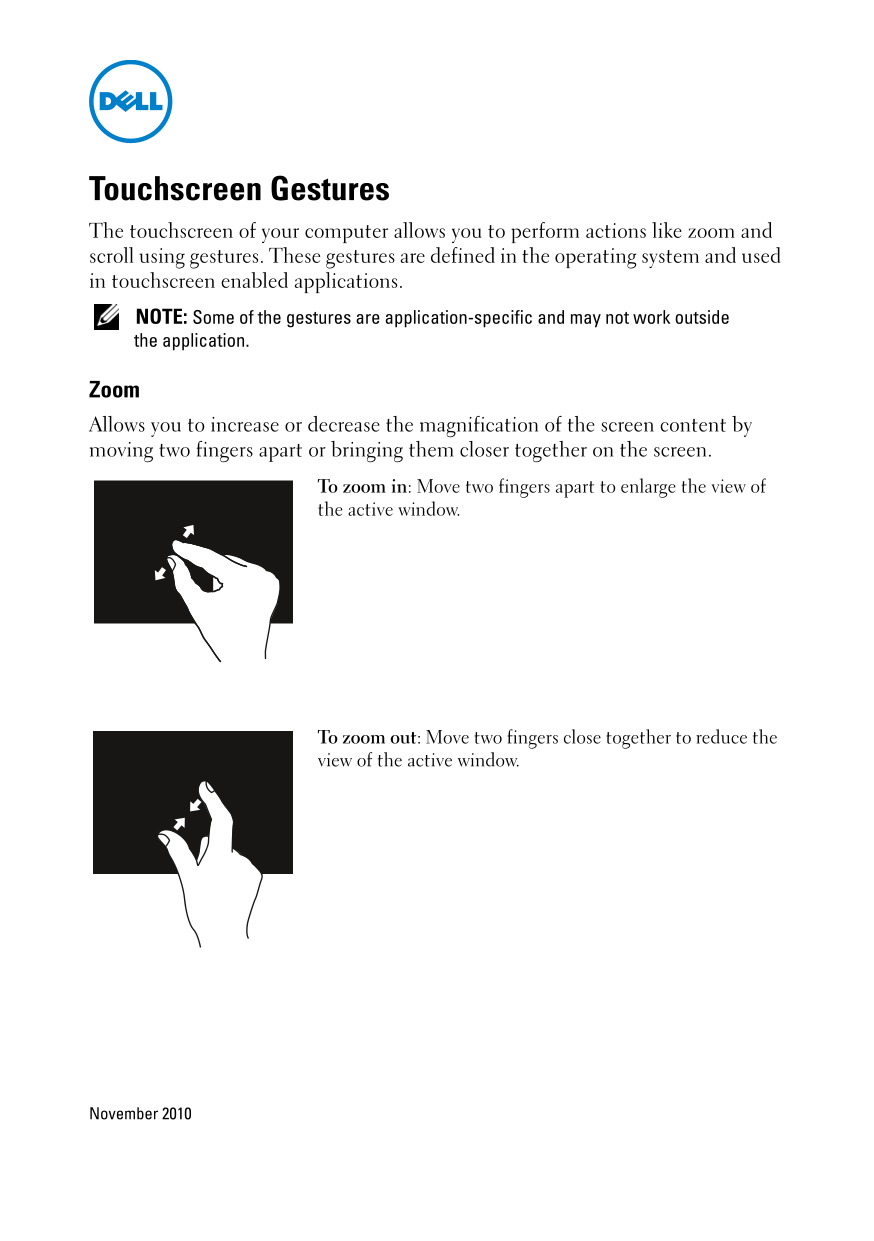
Zoom Allows you to increase or decrease the magnification of the screen content by moving two fingers apart or bringing them closer together on the screen.
To zoom in: Move two fingers apart to enlarge the view of the active window.
To zoom out: Move two fingers close together to reduce the view of the active window.
November 2010
Page Summary Contents For Dell Vostro 3400 Touchscreen Gestures User's Guide and Manual
Manual Details
| Brand | Dell |
|---|---|
| Pages | 4 |
| File Size | 161.50 KB |
| Published | June 29, 2026 |
Enter the captcha to get the download link:

Frequently Asked Questions
How do I zoom in on content?
Move two fingers apart on the touchscreen.
What is 'Dwell' used for?
Press and hold a finger on the screen to open a context-sensitive menu, simulating a right-click.
How can I pan-scroll an object?
Move two fingers in the desired direction when the entire object isn't visible.
What is the difference between horizontal and vertical scrolling?
Vertical scrolling moves up or down with one finger, while horizontal scrolling moves left or right.