Dell System Settings Software Update Program
Summary
BIOS configuration update document for Dell PowerEdge R410, R510, R610, R710, R910, T410, T610, and T710 servers, introducing the SR-IOV-Global Enable option in the Integrated Devices screen. This option allows administrators to enable or disable BIOS configuration of Single Root I/O Virtualization (SR-IOV) devices. The document is a multilingual information update covering English, Chinese, and French translations. Targeted at system administrators managing Dell PowerEdge server infrastructure requiring SR-IOV virtualization support.
Page 1 Text Content
SRIOV_BIOSUpdate.fm Page 9 Wednesday, January 5, 2011 10:42 AM
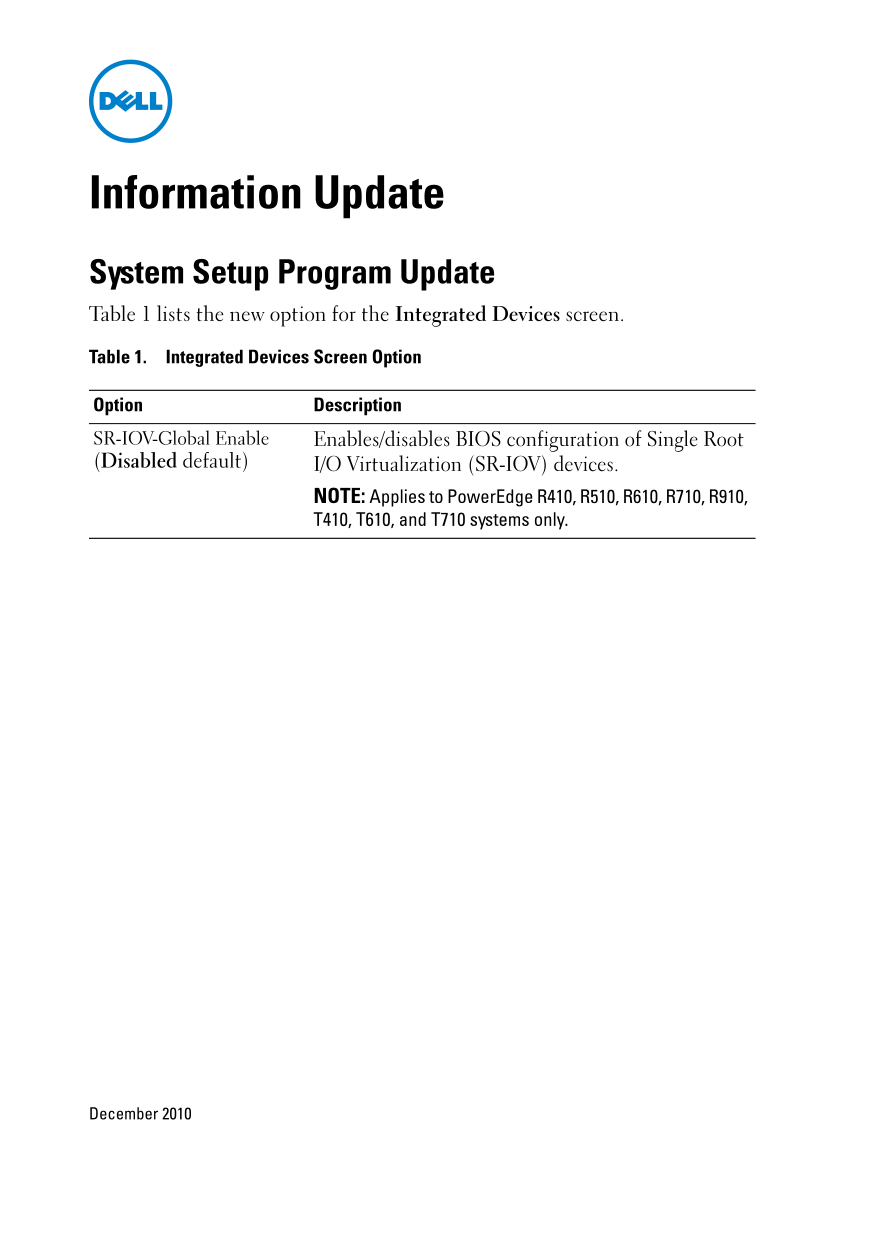
Information Update System Setup Program Update Table 1 lists the new option for the Integrated Devices screen. Table 1. Integrated Devices Screen Option Option Description SR-IOV-Global Enable Enables/disables BIOS configuration of Single Root (Disabled default) I/O Virtualization (SR-IOV) devices.
NOTE: Applies to Power Edge R410, R510, R610, R710, R910, T410, T610, and T710 systems only.
December 2010
Page Summary Contents For Dell System Settings Software Update Program
Manual Details
| Brand | Dell |
|---|---|
| Pages | 14 |
| File Size | 507.33 KB |
| Published | June 27, 2026 |
Enter the captcha to get the download link:

Frequently Asked Questions
What function does SR-IOV-Global Enable control?
It enables or disables the BIOS configuration for Single Root I/O Virtualization (SR-IOV) devices.
Are there specific PowerEdge models compatible with this feature?
The option is only applicable to R410, R510, R610, R710, R910, T410, T610, and T710 systems.
What is the default status of SR-IOV Global Enable?
The feature defaults to disabled in the Integrated Devices screen option.