Dell Information Update - System Setup Program User Guide
Summary
Dell SR-IOV BIOS Update Information document describes the new SR-IOV-Global Enable option added to the Integrated Devices screen in the system setup program. Single Root I/O Virtualization (SR-IOV) allows a single physical PCI Express device to appear as multiple virtual devices, improving I/O performance in virtualized environments. This update applies to PowerEdge R410, R510, R610, R710, R910, T410, T610, and T710 systems. Target users are system administrators and virtualization engineers working with Dell PowerEdge servers.
Page 1 Text Content
SRIOV_BIOSUpdate.fm Page 9 Wednesday, January 5, 2011 10:42 AM
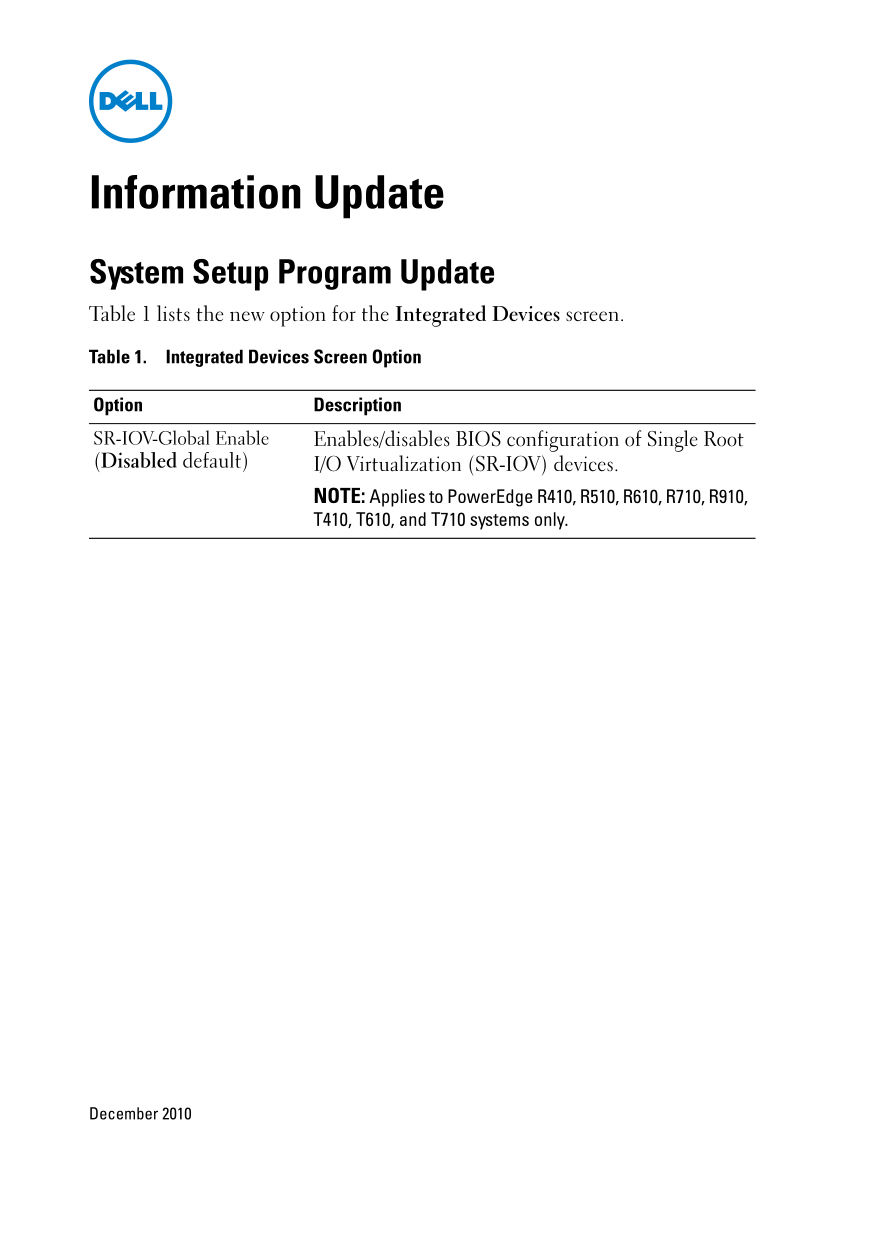
Information Update System Setup Program Update Table 1 lists the new option for the Integrated Devices screen. Table 1. Integrated Devices Screen Option Option Description SR-IOV-Global Enable Enables/disables BIOS configuration of Single Root (Disabled default) I/O Virtualization (SR-IOV) devices.
NOTE: Applies to Power Edge R410, R510, R610, R710, R910, T410, T610, and T710 systems only.
December 2010
Page Summary Contents For Dell Information Update - System Setup Program User Guide
Manual Details
| Brand | Dell |
|---|---|
| Pages | 14 |
| File Size | 507.49 KB |
| Published | June 27, 2026 |
Enter the captcha to get the download link:

Frequently Asked Questions
SR-IOV 기능은 어떤 시스템에서 사용 가능한가요?
PowerEdge R410, R510, R610, R710, R910, T410, T610 및 T710 시스템에만 적용됩니다.
Integrated Devices 화면의 SR-IOV 설정은 기본값이 무엇인가요?
기본값은 'Disabled'(비활성화)입니다.
SR-IOV-Global Enable 옵션은 어떤 작업을 수행하나요?
Single Root I/O Virtualization (SR-IOV) 장치의 BIOS 구성을 활성화하거나 비활성화합니다.