Dell Readme For Windows User's Manual
Summary
Readme document for Dell Update Packages v6.5 for Microsoft Windows, released March 2011. Describes the utility for updating system software on Dell PowerEdge servers, supporting components including system BIOS, ESM firmware, DRAC/ERA firmware, PERC and CERC RAID controllers, BMC firmware, backplane firmware, network adapter drivers, and PowerVault storage device firmware updates.
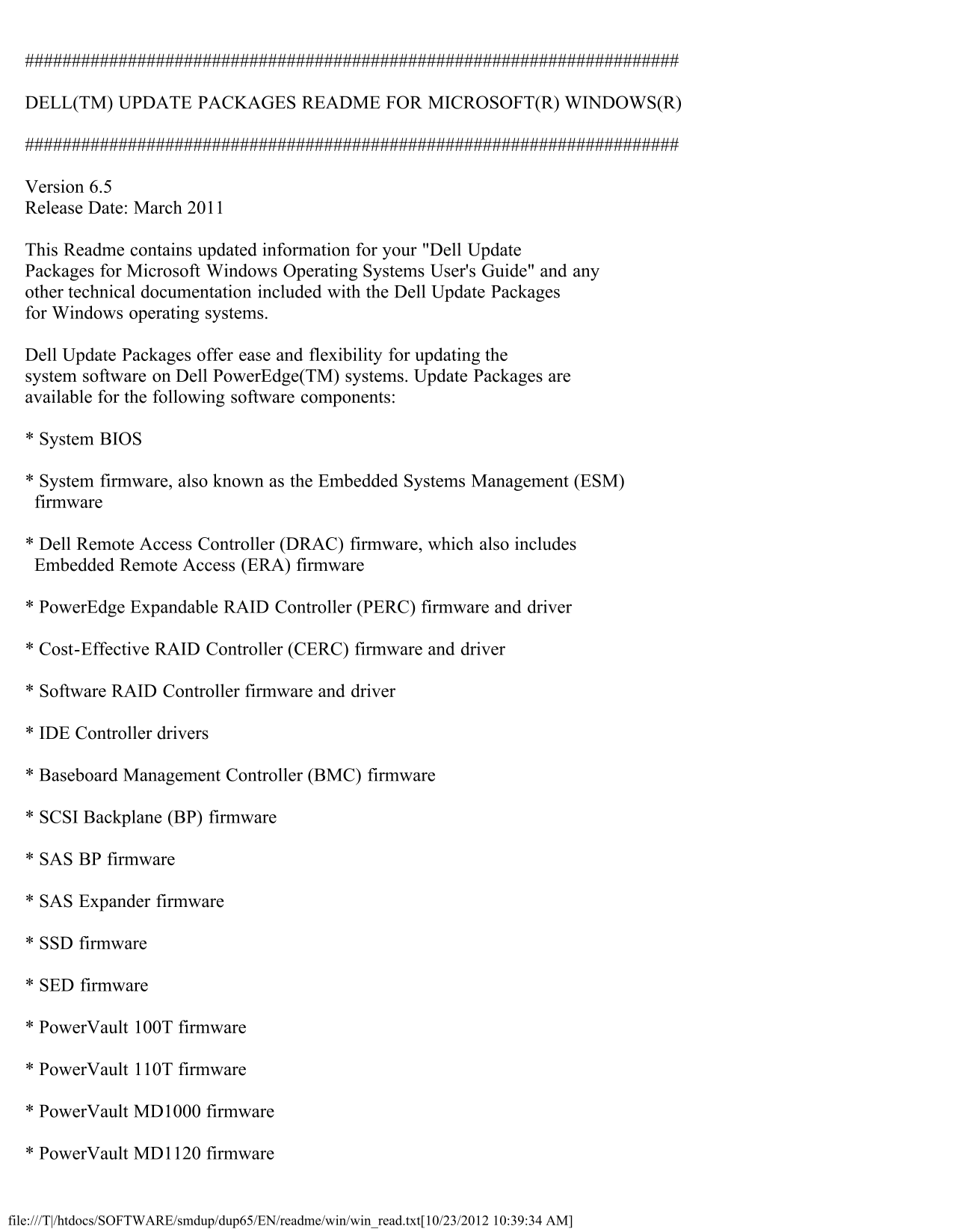
Page 1 Text Content
DELL(TM) UPDATE PACKAGES README FOR MICROSOFT(R) WINDOWS(R)
Version 6.5 Release Date: March 2011
This Readme contains updated information for your "Dell Update Packages for Microsoft Windows Operating Systems User's Guide" and any other technical documentation included with the Dell Update Packages for Windows operating systems.
Dell Update Packages offer ease and flexibility for updating the system software on Dell Power Edge(TM) systems. Update Packages are available for the following software components:
* System BIOS
* System firmware, also known as the Embedded Systems Management (ESM) firmware
* Dell Remote Access Controller (DRAC) firmware, which also includes Embedded Remote Access (ERA) firmware
* Power Edge Expandable RAID Controller (PERC) firmware and driver
* Cost-Effective RAID Controller (CERC) firmware and driver
* Software RAID Controller firmware and driver
* IDE Controller drivers
* Baseboard Management Controller (BMC) firmware
* SCSI Backplane (BP) firmware
* SAS BP firmware
* SAS Expander firmware
* SSD firmware
* SED firmware
* Power Vault 100T firmware
* Power Vault 110T firmware
* Power Vault MD1000 firmware
* Power Vault MD1120 firmware
file:///T|/htdocs/SOFTWARE/smdup/dup65/EN/readme/win/win_read.txt[10/23/2012 10:39:34 AM]
Page Summary Contents For Dell Readme For Windows User's Manual
Manual Details
| Brand | Dell |
|---|---|
| Pages | 11 |
| File Size | 31.59 KB |
| Published | July 02, 2026 |
Enter the captcha to get the download link:

Frequently Asked Questions
What operating systems can these update packages support?
The updates support multiple Windows Server versions, including 2003 R2, 2008 R2, and Small Business Server up to 2011.
How can I apply the updates if Windows is not running?
They can be applied in a pre-operating system environment using Embedded Linux (ELI) through the Dell OpenManage Deployment Toolkit (DTK).
Are there any restrictions on updating network adapters or controllers?
Broadcom NIC firmware updates are not supported on 8th generation systems. Also, not all storage controller drivers support the fresh install feature.