Dell iDRAC6 Enterprise for BladeServers Version 2.2 Readme
Summary
This readme document covers Integrated Dell Remote Access Controller 6 version 2.20 for blade servers. The manual provides criticality ratings, minimum requirements, release highlights, and known issues. It covers supported systems including Dell PowerEdge M610 and M710 within the M1000e enclosure, supported operating systems, and management requirements. The document also details firmware update procedures and compatibility information. This guide is intended for system administrators and data center engineers managing Dell blade server infrastructure who need to understand iDRAC6 capabilities and deployment requirements.
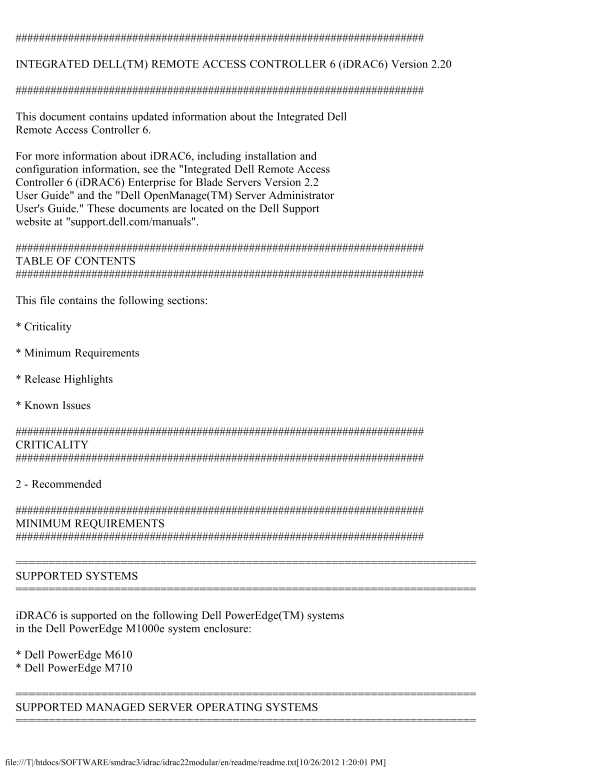
Page 1 Text Content
INTEGRATED DELL(TM) REMOTE ACCESS CONTROLLER 6 (i DRAC6) Version 2.20
This document contains updated information about the Integrated Dell Remote Access Controller 6.
For more information about i DRAC6, including installation and configuration information, see the "Integrated Dell Remote Access Controller 6 (i DRAC6) Enterprise for Blade Servers Version 2.2 User Guide" and the "Dell Open Manage(TM) Server Administrator User's Guide." These documents are located on the Dell Support website at "support.dell.com/manuals".
TABLE OF CONTENTS
This file contains the following sections:
* Criticality
* Minimum Requirements
* Release Highlights
* Known Issues
CRITICALITY
2 - Recommended
MINIMUM REQUIREMENTS
SUPPORTED SYSTEMS
i DRAC6 is supported on the following Dell Power Edge(TM) systems in the Dell Power Edge M1000e system enclosure:
* Dell Power Edge M610 * Dell Power Edge M710
SUPPORTED MANAGED SERVER OPERATING SYSTEMS
file:///T|/htdocs/SOFTWARE/smdrac3/idrac/idrac22modular/en/readme/readme.txt[10/26/2012 1:20:01 PM]
Page Summary Contents For Dell iDRAC6 Enterprise for BladeServers Version 2.2 Readme
Manual Details
| Brand | Dell |
|---|---|
| Pages | 7 |
| File Size | 23.83 KB |
| Published | June 16, 2026 |
Enter the captcha to get the download link:

Frequently Asked Questions
Which Dell PowerEdge systems support iDRAC6?
iDRAC6 is supported on the Dell PowerEdge M610 and M710 systems within the M1000e enclosure.
What are the minimum firmware requirements?
The recommended CMC firmware is version 2.2, and the M610/M710 BIOS versions must be 1.3.x or later.
Which web browsers are supported?
Supported browsers include Internet Explorer 6.0 SP2 through 8.0, and Mozilla Firefox 3.0.
What are the known issues with RHEL 4.7?
There are remote issues in that OS; refer to the RedHat KB article http://kbase.redhat.com/faq/docs/DOC-3402 for instructions on using the DUP.