Dell Repository Manager Version 1.1 Readme
Summary
The Dell Repository Manager Version 1.0 README provides essential software information from August 2009. It covers minimum system requirements, supported operating systems including Windows Server 2008/2003 and Vista/XP, installation instructions, and known issues. Target users are IT administrators managing Dell update repositories.
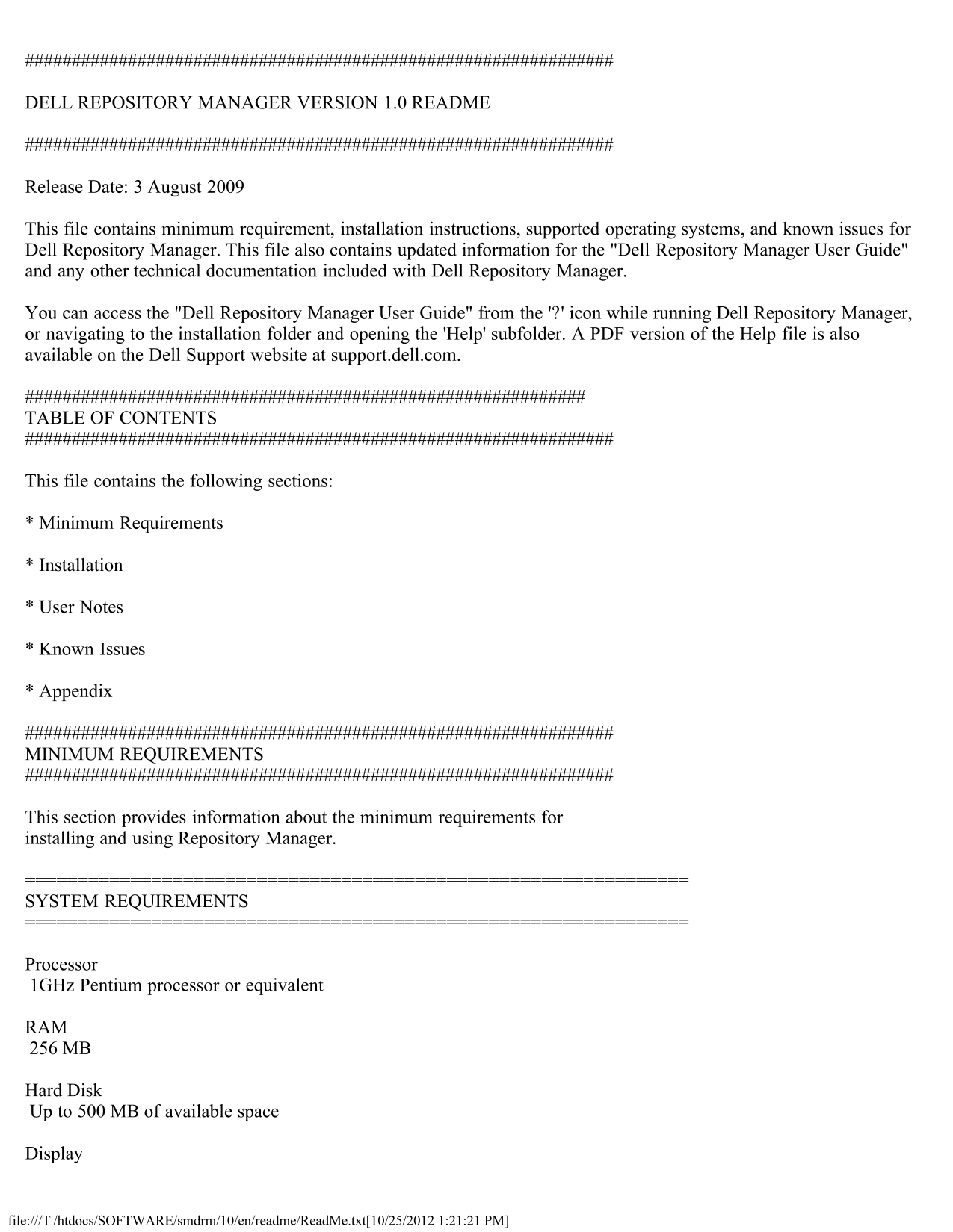
Page 1 Text Content
DELL REPOSITORY MANAGER VERSION 1.0 README
Release Date: 3 August 2009
This file contains minimum requirement, installation instructions, supported operating systems, and known issues for Dell Repository Manager. This file also contains updated information for the "Dell Repository Manager User Guide" and any other technical documentation included with Dell Repository Manager.
You can access the "Dell Repository Manager User Guide" from the '?' icon while running Dell Repository Manager, or navigating to the installation folder and opening the 'Help' subfolder. A PDF version of the Help file is also available on the Dell Support website at support.dell.com.
TABLE OF CONTENTS
This file contains the following sections:
* Minimum Requirements
* Installation
* User Notes
* Known Issues
* Appendix
MINIMUM REQUIREMENTS
This section provides information about the minimum requirements for installing and using Repository Manager.
SYSTEM REQUIREMENTS
Processor 1GHz Pentium processor or equivalent
RAM 256 MB
Hard Disk Up to 500 MB of available space
Display
file:///T|/htdocs/SOFTWARE/smdrm/10/en/readme/Read Me.txt[10/25/2012 1:21:21 PM]
Page Summary Contents For Dell Repository Manager Version 1.1 Readme
Manual Details
| Brand | Dell |
|---|---|
| Pages | 4 |
| File Size | 17.39 KB |
| Published | June 25, 2026 |
Enter the captcha to get the download link:

Frequently Asked Questions
What operating systems can run Dell Repository Manager 1.0?
It supports Microsoft Windows Server 2008, Vista, XP, and Server 2003. Installation is not supported on Linux.
What are the minimum system requirements for installation?
You need at least a 1GHz Pentium processor or equivalent, 256 MB of RAM, and up to 500 MB of available hard disk space.
How do I begin installing Repository Manager from scratch?
Double-click the Dell Repository Manager.msi file downloaded from the Dell Support site, accepting the terms when prompted.
Where should I check logs after deploying a Linux ISO package?
You can find the logs at `/bundleapplicationlogs/apply_components.log` on the filesystem of the booted ISO for inspection.