Dell EMC OpenManage Plug-in Version 3.2.0 for Nagios Core Release Notes
Summary
Release Notes for Dell EMC OpenManage Plug-in Version 3.2.0 for Nagios Core from June 2022. Documents new features including enhanced overall health status monitoring for Dell server network devices with CRITICAL status for disconnected instances, plus Log4j security vulnerability fix. Details resolved issues for memory status display, environment requirements, and known issues for this minor release of the Nagios monitoring integration.
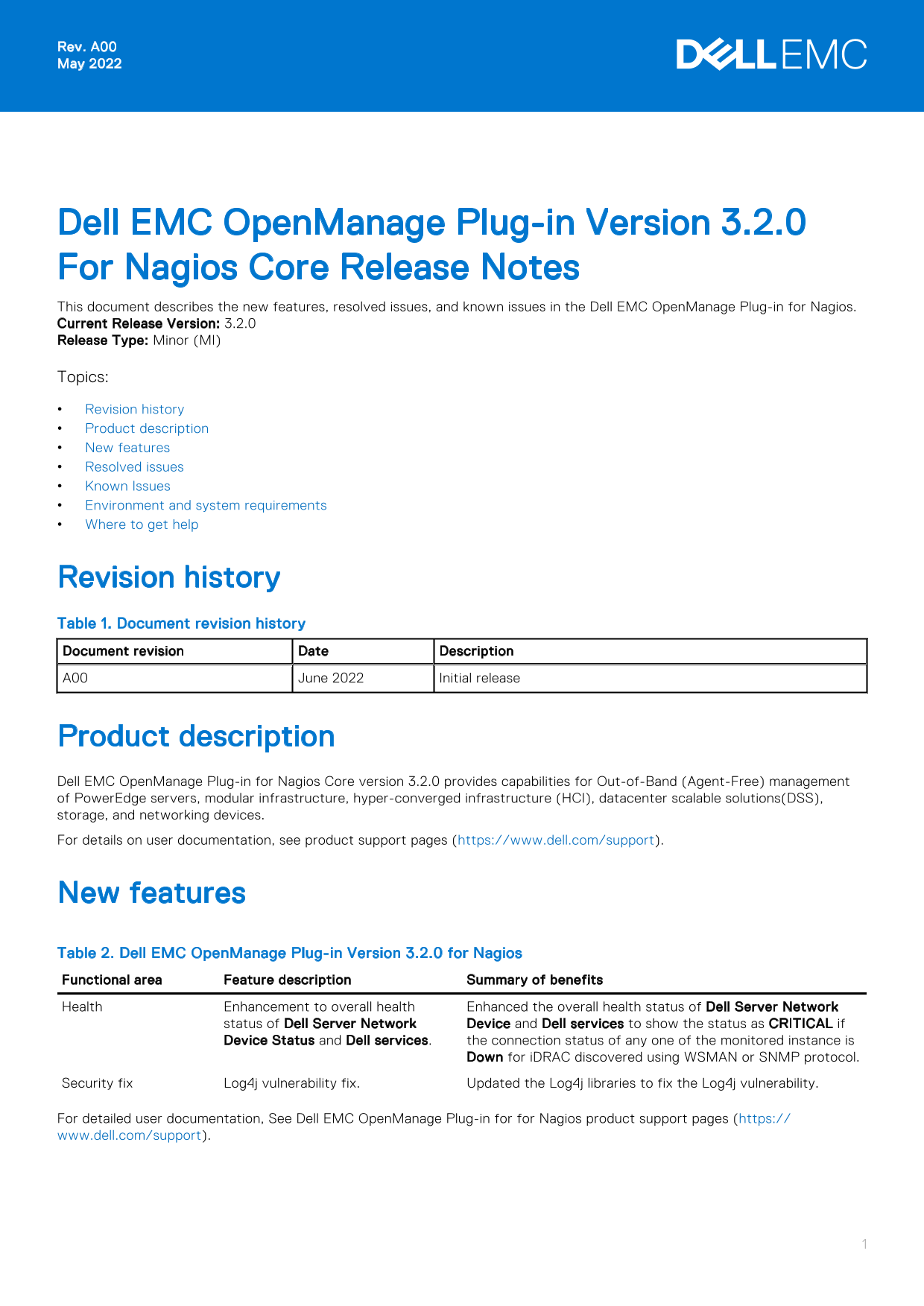
Page 1 Text Content
Rev. A00 May 2022
Dell EMC Open Manage Plug-in Version 3.2.0 For Nagios Core Release Notes This document describes the new features, resolved issues, and known issues in the Dell EMC Open Manage Plug-in for Nagios. Current Release Version: 3.2.0 Release Type: Minor (MI) Topics: Revision history Product description New features Resolved issues Known Issues Environment and system requirements Where to get help
Revision history Table 1. Document revision history Document revision Date Description A00 June 2022 Initial release
Product description Dell EMC Open Manage Plug-in for Nagios Core version 3.2.0 provides capabilities for Out-of-Band (Agent-Free) management of Power Edge servers, modular infrastructure, hyper-converged infrastructure (HCI), datacenter scalable solutions(DSS), storage, and networking devices. For details on user documentation, see product support pages (https://www.dell.com/support).
New features Table 2. Dell EMC Open Manage Plug-in Version 3.2.0 for Nagios Functional area Feature description Summary of benefits Health Enhancement to overall health Enhanced the overall health status of Dell Server Network
status of Dell Server Network Device and Dell services to show the status as CRITICAL if Device Status and Dell services. the connection status of any one of the monitored instance is
Down for i DRAC discovered using WSMAN or SNMP protocol.
Security fix Log4j vulnerability fix. Updated the Log4j libraries to fix the Log4j vulnerability.
For detailed user documentation, See Dell EMC Open Manage Plug-in for for Nagios product support pages (https:// www.dell.com/support).
Page Summary Contents For Dell EMC OpenManage Plug-in Version 3.2.0 for Nagios Core Release Notes
Manual Details
| Brand | Dell |
|---|---|
| Pages | 4 |
| File Size | 47.93 KB |
| Published | July 03, 2026 |
Enter the captcha to get the download link:

Frequently Asked Questions
What kind of management capabilities does this plug-in support?
It provides Out-of-Band (Agent-Free) management for PowerEdge servers, HCI, DSS, storage, and networking devices.
Was the Log4j vulnerability issue fixed in version 3.2.0?
Yes, Version 3.2.0 included a security fix by updating necessary Log4j libraries.
Where should I look for complete installation requirements and compatibility lists?
Refer to the Dell EMC OpenManage Plug-in Version 3.2.0 Installation Guide found at dell.com/Support.
What addresses should I use if a chassis uses both IPv4 and IPv6 addressing?
If configured with both protocols, discovery of the chassis from the console must happen using an IPv4 address.