User Guide for Dell VA2010wb
Summary
Product description and specifications for the ViewSonic VA2010wb 20-inch widescreen LCD monitor from the Value Series, featuring 1680x1050 native resolution, 5ms video response time, 1000:1 contrast ratio, and 300 cd/m² brightness. OptiSync technology provides both digital DVI and analog VGA inputs for flexible connectivity. Wide viewing angles ensure consistent image quality for multiple viewers. OnView OSD controls enable precise screen adjustment for contrast, brightness, color temperature,
Page 1 Text Content
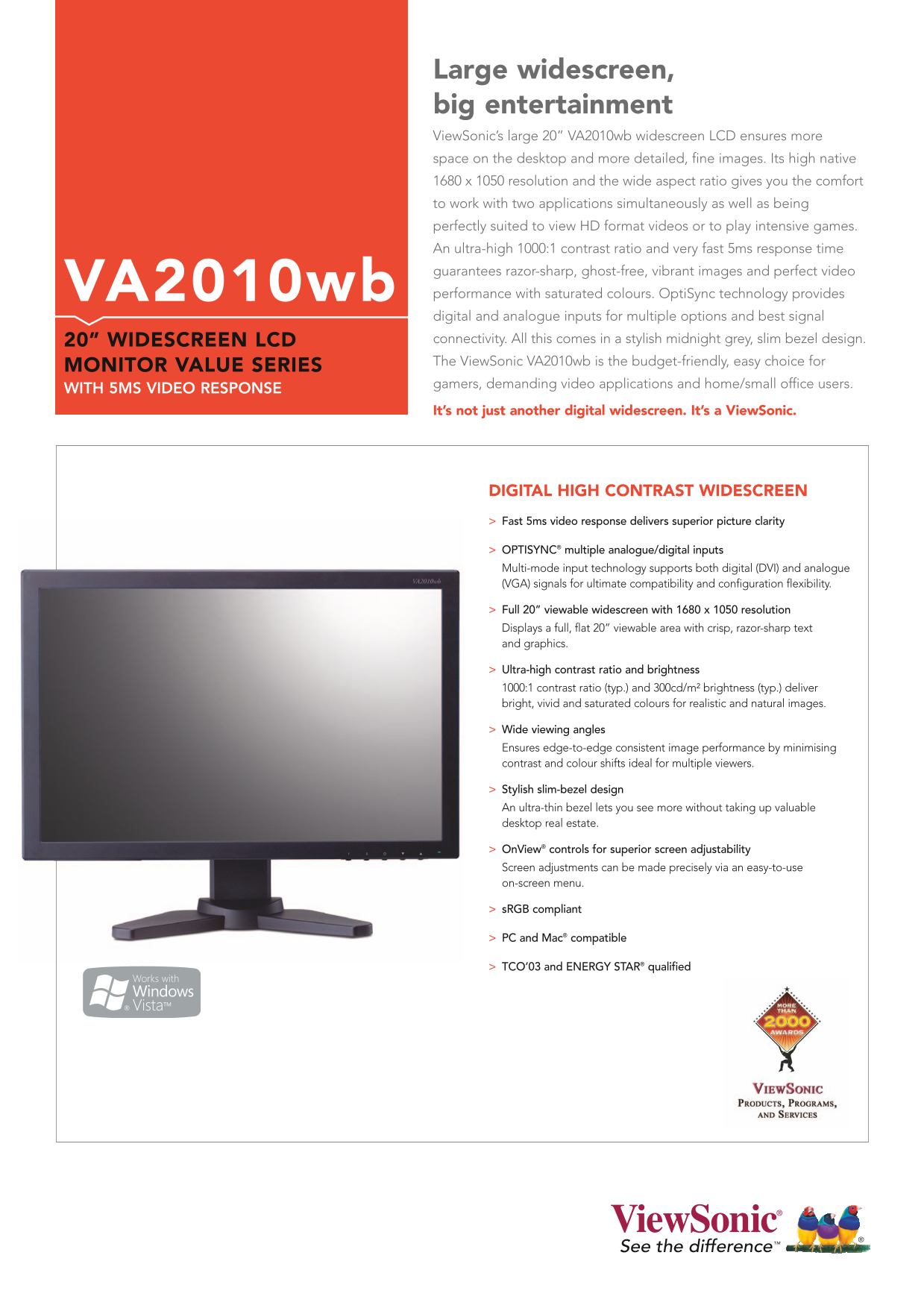
Large widescreen, big entertainment View Sonic’s large 20” VA2010wb widescreen LCD ensures more space on the desktop and more detailed, fine images. Its high native 1680 x 1050 resolution and the wide aspect ratio gives you the comfort to work with two applications simultaneously as well as being perfectly suited to view HD format videos or to play intensive games. An ultra-high 1000:1 contrast ratio and very fast 5ms response time guarantees razor-sharp, ghost-free, vibrant images and perfect video VA2010wb performance with saturated colours. Opti Sync technology provides digital and analogue inputs for multiple options and best signal 20” WIDESCREEN LCD connectivity. All this comes in a stylish midnight grey, slim bezel design. The View Sonic VA2010wb is the budget-friendly, easy choice for
MONITOR VALUE SERIES
gamers, demanding video applications and home/small office users.
WITH 5MS VIDEO RESPONSE
It’s not just another digital widescreen. It’s a View Sonic.
DIGITAL HIGH CONTRAST WIDESCREEN Fast 5ms video response delivers superior picture clarity
OPTISYNC® multiple analogue/digital inputs Multi-mode input technology supports both digital (DVI) and analogue (VGA) signals for ultimate compatibility and configuration flexibility.
Full 20” viewable widescreen with 1680 x 1050 resolution Displays a full, flat 20” viewable area with crisp, razor-sharp text and graphics.
Ultra-high contrast ratio and brightness 1000:1 contrast ratio (typ.) and 300cd/m² brightness (typ.) deliver bright, vivid and saturated colours for realistic and natural images.
Wide viewing angles Ensures edge-to-edge consistent image performance by minimising contrast and colour shifts ideal for multiple viewers.
Stylish slim-bezel design An ultra-thin bezel lets you see more without taking up valuable desktop real estate.
On View® controls for superior screen adjustability Screen adjustments can be made precisely via an easy-to-use on-screen menu.
s RGB compliant
PC and Mac® compatible
TCO’03 and ENERGY STAR® qualified
Page Summary Contents For User Guide for Dell VA2010wb
Manual Details
| Brand | Dell |
|---|---|
| Pages | 2 |
| File Size | 350.04 KB |
| Published | July 04, 2026 |
Enter the captcha to get the download link:

Frequently Asked Questions
What video inputs does this monitor support?
It supports both digital signals via DVI-D and analogue signals via VGA.
What is the optimal display resolution?
The optimal resolution displayed is 1680 x 1050 at 60Hz.
How can I adjust the screen settings?
Adjustments are made using OnView controls, and it supports tilting down up to 5° and up to 20°.
Is this monitor energy efficient?
Yes, it meets TCO’03 and ENERGY STAR standards.