User Guide for Dell G90f+
Summary
This ViewSonic G90f+ 19-inch color CRT monitor user guide provides complete setup and adjustment instructions for professional computer display applications. Covers Plug and Play compatibility for automatic Windows detection, on-screen display menu navigation for brightness contrast geometry and color temperature adjustments, timing mode configuration for optimal refresh rate and resolution settings up to 1600x1200, VGA signal cable connection with DDC1/2B/2Bi compatible graphics card detection,
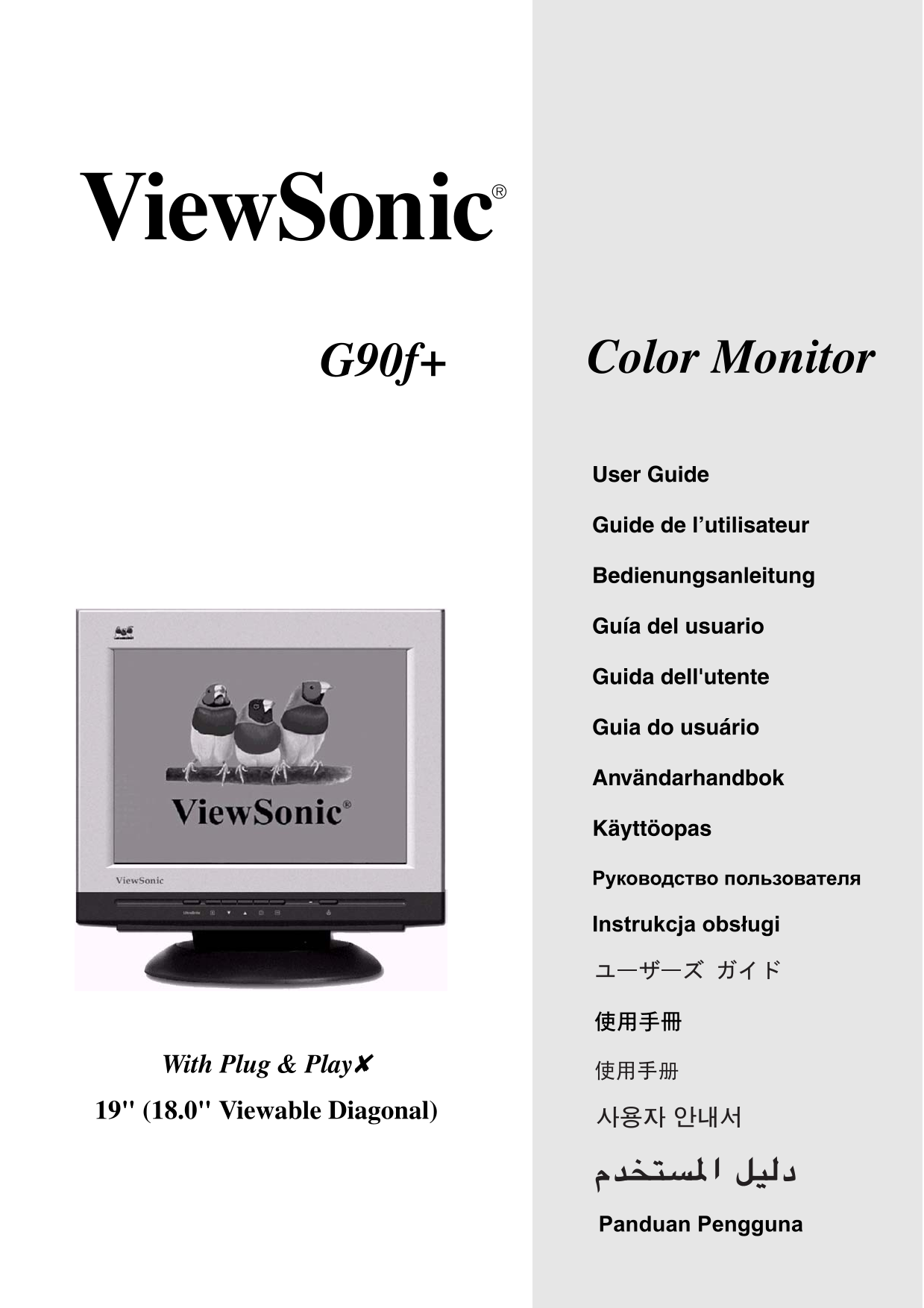
Page 1 Text Content
G90f+ Color Monitor
User Guide
Guide de l’utilisateur
Bedienungsanleitung
Guía del usuario
Guida dell'utente
Guia do usuário
Användarhandbok
Käyttöopas
Instrukcja obs ugi
With Plug & Play✘ 19" (18.0" Viewable Diagonal)
Panduan Pengguna
Page Summary Contents For User Guide for Dell G90f+
Manual Details
| Brand | Dell |
|---|---|
| Pages | 19 |
| File Size | 868.23 KB |
| Published | July 04, 2026 |
Enter the captcha to get the download link:

Frequently Asked Questions
What type of power cord is required for FCC compliance?
You must use a grounded power supply cord and the provided shielded video interface cable with bonded ferrite cores.
How do I prevent accidental changes to my monitor settings?
Use the OSD Lock function within the On-Screen Display menu (OSD) to secure your settings.
What operating systems is the G90f+ compatible with?
It supports various Windows versions, including XP and older models, as well as specific Macintosh resolutions like 1280 x 1024 @ 75 Hz.
Is this monitor designed for home or office use?
The equipment is tested to comply with limits for a Class B digital device, suitable for residential installations.