# A B C D E F G H I J K L M N O P Q R S T U V W X Y Z

Philips FC8089, FC8088 Vacuum Cleaner User Manual

Summary

Discover optimal cleaning with this versatile Philips vacuum cleaner. This extensive guide provides comprehensive instructions for setup, operation, and powerful stain removal across various surfaces. It covers essential care routines, including how to efficiently empty reusable dust bags, clean all filters, adjust suction power levels, and properly attach accessories like combination nozzles and crevice tools. Designed for the new owner, this manual ensures safe usage while maximizing the performance of your appliance for deep cleaning throughout the home.
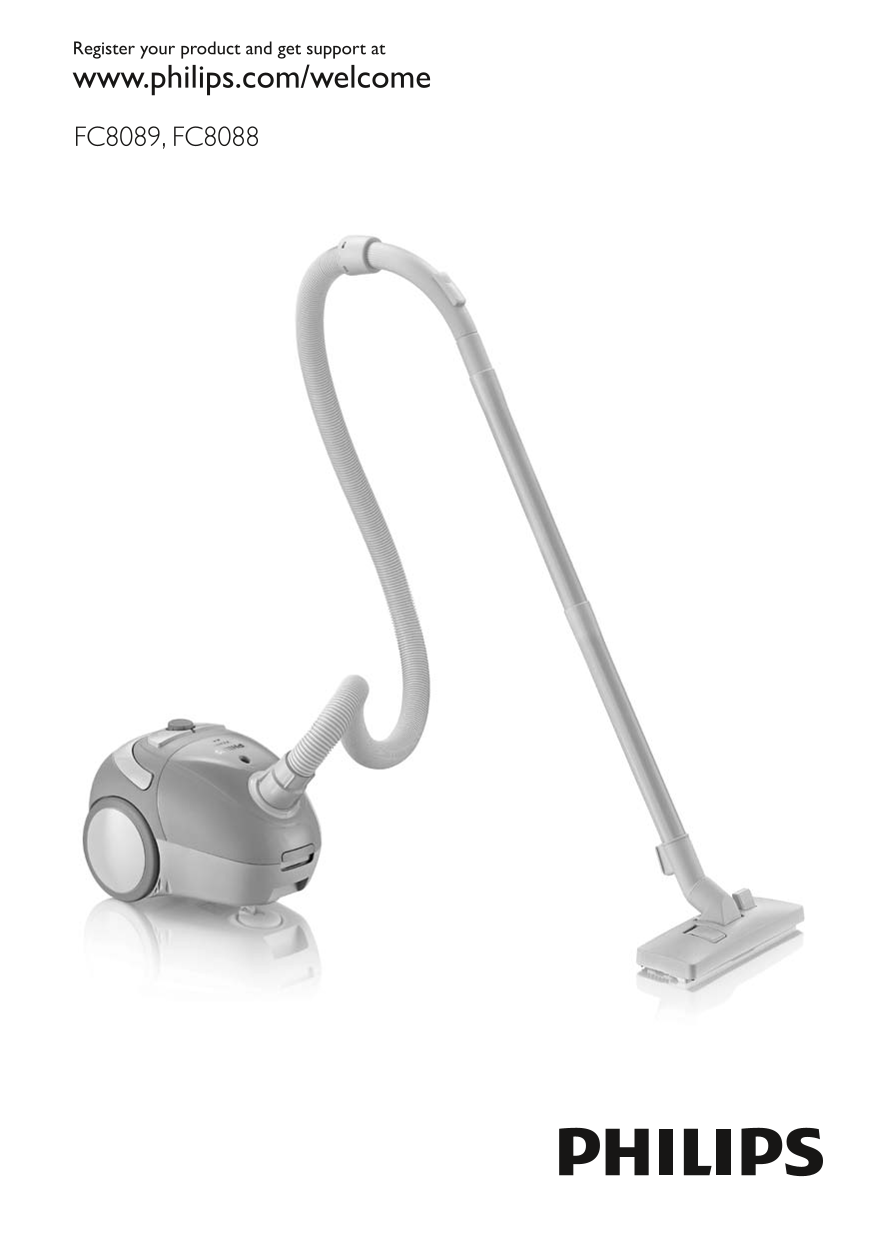
📄 Preview 📖 Table of Contents Contents PAGE OF 20

Page 1 Text Content

Register your product and get support at www.philips.com/welcome

FC8089, FC8088

Page Summary Contents For Philips FC8089, FC8088 Vacuum Cleaner User Manual

Page 1 Register your product and get support at www.philips.com/welcome FC8089, FC8088
Page 5 English 6 FC , F 简体中文 11
Page 6 English introduction Congratulations on your purchase and welcome to Philips! To fully benefit from the support that Philips offers, register your product at www.philips.com/welcome. general descripti...
Page 7 English Children should be supervised to ensure that they do not play with the appliance. Do not point the hose, the tube or any other accessory at the eyes or ears nor put it in your mouth when it is...
Page 8 English8 Crevice tool You can use the crevice tool to clean hard-to-reach places quickly and conveniently. You find the crevice tool in the crevice tool compartment of the appliance. (Fig. 9) You can ...
Page 9 English 3 Slide the front of the dustbag out of the dustbag holder (Fig. 19). 4 Hold the dustbag over a dustbin and slide the clip off the dustbag sideways to empty the dustbag (Fig. 20). 5 To close t...
Page 10 English10 Replacement Replace the reusable dustbag if it can no longer be cleaned properly. Reuseable dustbags are available under service number 4322 004 93641. Only use the reusable dustbag that is ...
Page 11 简介 感谢您的惠顾,欢迎光临飞利浦!为了您能充分享受飞利浦提供的支持,请在 www.philips.com/welcome 上注册您的产品。 一般说明 (图 1) 1 手柄 2 后轮 3 马达保护滤网 4 集尘袋固定架 5 集尘袋固定架固定钮 6 循环使用集尘袋 7 软管连接孔 8 集尘袋仓的打开钮 9 尘满指示灯 10 开/关按钮 11 电子吸力调控钮(仅限于 FC8089) 12 电源线自动回...
Page 12 当连接到真空吸尘器并且真空吸尘器已开始工作时,请勿将软管、硬管或任何其它附 件指向眼睛或耳朵,也不要放在口中。 注意 在使用真空吸尘器吸收灰尘、细沙、石灰、水泥灰和类似的物质时,集尘袋的袋孔可 能发生阻塞。因此,尘满指示灯将显示集尘袋已满。此时,请清空可循环使用集尘 袋,即使集尘袋并未装满(见“清空可循环使用集尘袋”一章)。 切勿在未安装马达保护滤网的情况下使用本产品。这将使马达受损,并缩短产品的...
Page 13 使用本产品 吸尘 1 将电源线从吸尘器中拉出,并将电源插头插入插座。 2 用脚按下产品顶部的开/关按钮,打开产品电源。 (图 11) 调节吸力大小 吸尘过程中,可用以下部件来调整吸力: 软管手柄上的滑块,或 (图 12) 吸尘器上的电子吸力调控钮(仅限于 FC8089)。 (图 13) 注意: 对于特别脏的地毯和硬地板,可用最大吸力吸尘。 清洁门帘、台布或其他物品 时,可用最小吸力。 放置硬管 如...
Page 14 保修与服务 如果您需要服务或更多信息,或者有任何疑问,请访问飞利浦网站:www.philips.com。 您也可与您所在国家/地区的飞利浦客户服务中心联系(可从全球保修卡中找到其电话号 码)。如果您所在的国家/地区没有飞利浦客户服务中心,请与当地的飞利浦经销商联系。
Page 15 开。 仅限于 FC8089:电子吸力 将吸力调控钮设置在更高的档位。 调控钮被设置在较低的档 位。 集尘袋已满。 倒空可循环使用集尘袋。 马达保护滤网和/或排风滤网 在垃圾箱上方晃动这些滤网,以抖掉 过滤网已经很脏。 脏物。 吸嘴、硬管或软管阻塞。 要清除阻塞物,请将被阻塞的部分拆

Manual Details

Brand Philips
Pages 20
File Size 2.39 MB
Published July 04, 2026
3 views

Enter the captcha to get the download link:

captcha

Frequently Asked Questions

How often must I clean the exhaust filter?

The exhaust filter should be cleaned every three months by dusting off debris, or thoroughly washed for deep cleaning.

What are the main causes of low suction power?

Check if the suction slide is switched on, whether the dustbag needs emptying, or if you need to set the electronic control dial higher (FC8089).

What kinds of materials should I never vacuum?

Never suck up water, any liquid, flammable substances, ashes until they are cold, or large objects that might obstruct the passage.

Can I use a dustbag other than the one provided?

No; you must only use the reusable dustbag supplied with the appliance to prevent motor damage or shorten its lifespan.