Page 1
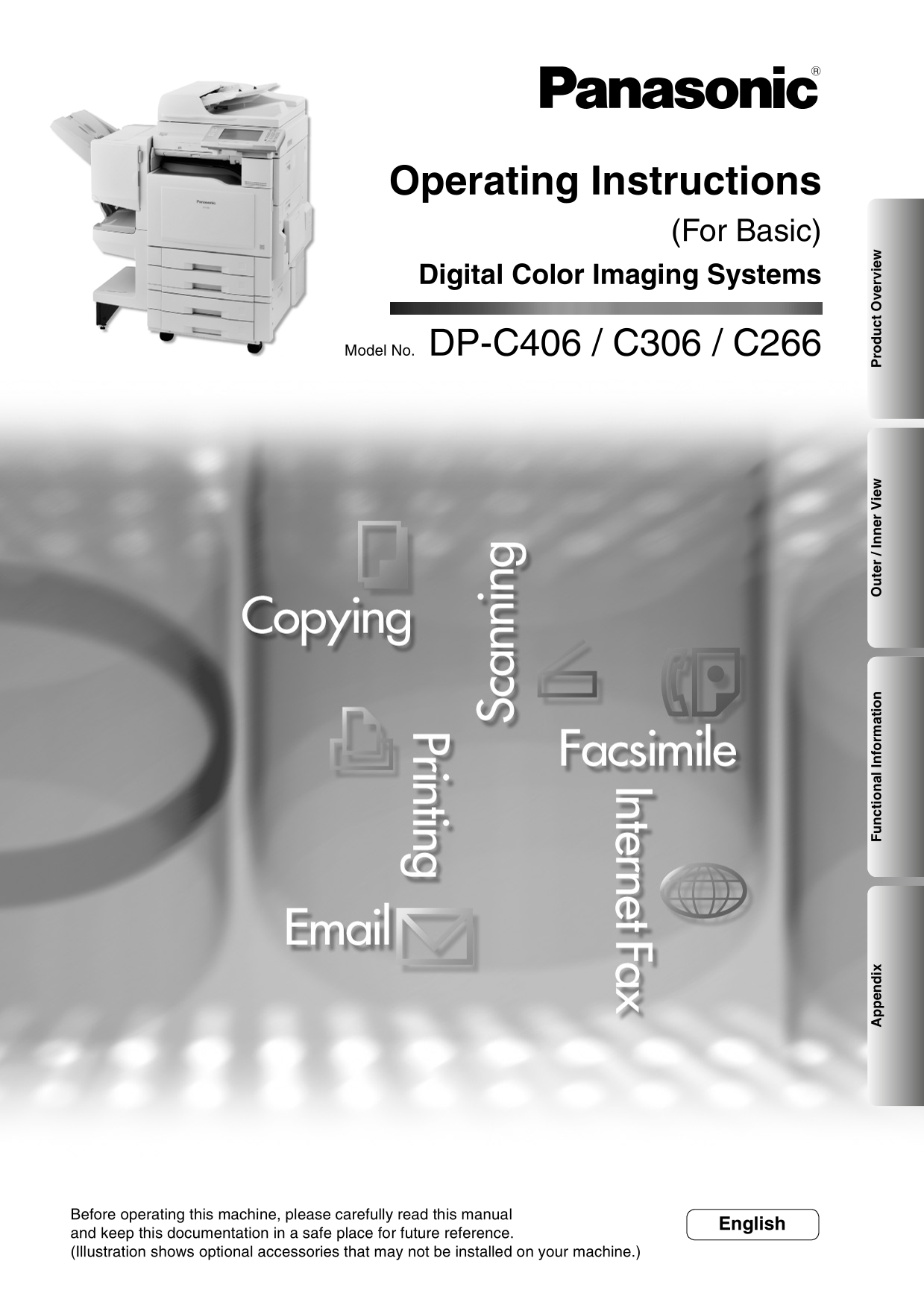
Operating Instructions (For Basic) Digital Color Imaging Systems Model No. DP-C406 / C306 / C266 en ix Fu ct io al In fo rm at io te / I er ie ro ct ve rv ie Before operating this machine, please care...
Page 2
Operating Instructions The following Operating Instruction manuals are included with this machine. Please refer to the appropriate manual and keep all manuals for future reference. If you lose the man...
Page 3
Conventions Icons The following icons are used in this manual. Icon Description Indicates important information that must be read in detail. ATTENTION Indicates that the detailed information can be re...
Page 4
Table of Contents Product Overview Operating Instructions Conventions.................................................................................................................... Table of Conte...
Page 5
Safety Information For Your Safety To prevent severe injury and loss of life, read this section carefully before using the Panasonic DP-C406/C306/C266 to ensure proper and safe operation of your machi...
Page 6
Safety Information Operating Safeguards Never open or remove machine covers that are secured with screws unless specifically Do not touch areas where these caution labels instructed in the “Operating ...
Page 7
For Your Safety CAUTION For USA only Consumable Safeguards Distributed by Panasonic Communications Company of North America, Unit of Panasonic Corporation of North America Be sure to use the specified...
Page 8
Precautions Precautions Laser Safety LASER SAFETY This unit employs a laser. Only qualified service personnel should attempt to service this device due to possible eye injury. CAUTION: USE OF CONTROLS...
Page 9
Installation Illegal Copies The maximum power consumption is 1.44 k W. It is unlawful to make copies of certain documents. A properly wired (grounded), dedicated, 12 A, 120 V AC Copying certain docume...
Page 10
Precautions Maximum Copies Limitation Handling After setting the maximum allowed number of copies for Control Panel each department, consult with your Key Operator when Do not lift or lean against the...
Page 11
Security Suggestions for Key Operators To keep your machine’s highly-sensitive document data 7. To prevent illicit use by unauthorized personnel, perform secure, the designated Key Operators are instr...
Page 12
Useful Office Functions Color Touch Panel Easy operation using the Color Touch Panel Display. Control Panel viewing angle is adjustable to 5 practical positions. SD Card Slot The built-in SD Card Slot...
Page 13
Outer / Inner View <Outer> <Outer (Right Side)> ADF (Automatic Document Feeder) Right Side Cover ADF Cover Feed Cover 1 Power Switch ADU Cover ON Sheet OFF Bypass Feed Cover 2 SD Card / Op...
Page 14
Control Panel No. Icon Contents No. Icon Contents Energy Saver key Customized Screen Area Saves power while the machine is not in Images displayed on the customized use. screen area can be changed in ...
Page 15
Control Panel / Touch Panel Display Touch Panel Display Machine Condition LED Warning Indications Flashes: When receiving print data. When the following Warning Indications appear, correct the Lights:...
Page 16
Copy Function Refer to the Operating Instructions (For Copier) of provided CD-ROM. Basic Menu [Proof Set] Proof Copying [Preset Jobs] Storing a Job in Memory [Output Queue] Checking the Waiting to Cop...
Page 17
More Menus 2-Sided / Original -> Copy [1 -> 1] [1 -> 2] [2 -> 1] [2 -> 2] [2 Page] [Book -> 2] [N in 1] [Booklet] [Multi-Size Feed] [Job Build and SADF] 2-Sided Copy Mode Sort / Fini...
Page 18
Facsimile (Option) and Internet Fax Function Refer to the Operating Instructions (For Facsimile and Internet Fax) of provided CD-ROM. Address Book Basic Menu Search Transmitting a Document Stored in M...
Page 19
More Menus Advanced Comm. Deferred Comm. Polling Advanced Comm. Convenient Fax Features Select Mode [Password XMT] [Comm. Journal] [Cover Sheet] [Receive to Memory] [Ledger Email XMT] [Delivery Notice...
Page 20
Scan and Email Function Refer to the Operating Instructions (For Scanner and Email) of provided CD-ROM. Basic Menu Address Book
Page 21
Quality Adj. [Full Color] [Grayscale] [Adjustment] [Black] [Compression (Full Color)] Original Type [Compression (Grayscale)] Density [Compression (Black)] Resolution [Background Removal] [Bleed Throu...
Page 22
Print Function Refer to the Operating Instructions (For Printer) of provided CD-ROM. SD Print (Photo Print) More Settings [Color Mode] [Quality Adj.] SD Print (File Print) [Sort Setting] [Frame Settin...
Page 23
Mailbox Job Control [Off Line] Mailbox Printing [On Line] [Cancel Print] [Output Queue] Job Control (Output Queue) Error Messages Fu ct io al In fo rm at io
Page 24
Troubleshooting Check Action Unit Does Not Operate Check if the Power Switches (Main Power Switch on the rear and Power Switch on the Is the display dark? front side of the machine) are turned ON and ...
Page 25
Check Action Marked Copies Is the White Reference Sheet, Platen Sheet, Clean the White Reference Sheet, Platen Scanning Glass (Small), or Platen Glass Sheet, Scanning Glass (Small), or Platen (Large) ...
Page 26
User (U) / Jam (J) / Machine (E) Error Codes User Error Codes (U Codes) / Machine Error Codes (E Codes) <Outer> ADF <Inner> (Automatic Document Feeder) ADF Cover Toner Cartridges Section (...
Page 27
Jam Error Codes (J Codes) ADF (Automatic Document Feeder) Finisher Section ATTENTION Section The display indicates the (Option) section of the misfed paper. Fuser/Exit Section Remove the misfed paper ...
Page 28
Specifications Main Unit Type: Semi Console Type Platen Type: Fixed Acceptable Originals: Sheets, Books (Max. A3 / 11" x 17") Copying Method: Laser Indirect Electrostatic Fusing Method: Indu...
Page 29
ADF (Standard) Tray Capacity: Letter : Max. 100 sheets (75 g/m2 / 20 lb) Invoice/Legal/Ledger : Max. 70 sheets (75 g/m2 / 20 lb) Original Size: A3, B4, A4, A4-R, A5, A5-R , FLS (8" x 13", 8....
Page 30
Specifications 1Bin Saddle-Stitch Finisher (Option) Mode: Bin Non-sort, Sort, Staple Tray Saddle-Stitch Paper Size: Bin Europe A3, B4, A4, A4-R, A5, A5-R, FLS1, FLS2 North America 8.5" x 11"...
Page 31
Paper Type Do not use the following type/flawed paper to avoid image quality related problems, mechanical failures or misfeeding problems. Consult with an authorized Panasonic dealer for advice regard...
Page 32
Option and Supplies Part Name Part No. Remarks System Console 1 DA-DS400 3rd Paper Tray (550 sheets x 1) System Console 2 DA-DS401 3rd and 4th Paper Trays (550 sheets x 2) Stand for 2-tray Configurati...
Page 33
en ix
Page 34
FCC Notice For Users in USA WARNING! This equipment has been tested and found to comply with the limits for a Class A digital device, pursuant to Parts 15 and 18 of the FCC Rules. These limits are des...
Page 35
Your telephone company may make changes in it’s facilities, equipment, operations or procedures that could affect the proper functioning of your equipment. If they do, you will be notified in advance ...
Page 36
FCC Notice For Users in Canada NOTICE Before installing this equipment, users should ensure that it is permissible to be connected to the facilities of the local telecommunications company. The equipm...
Page 37
Avis Avant d’installer ce matériel, l’utilisateur doit s’assurer qu’il est permis de le raccorder aux installations de l’entreprise locale de télécommunication. Le matériel doit également être install...
Page 39
The following trademarks and registered trademarks are used throughout this manual: Microsoft, Windows, Windows Server, Windows Vista, Excel, Power Point, Outlook & Windows logo are either registe...
Page 40
USA Only WARRANTY PANASONIC COMMUNICATIONS COMPANY OF NORTH AMERICA MAKES NO WARRANTIES, GUARANTEES OR REPRESENTATIONS, EXPRESSED OR IMPLIED, TO CUSTOMER WITH RESPECT TO THIS PANASONIC MACHINE, INCLUD...