MSG360-4-PWR H3C Multi-Services Gateway Quick Installation Guide - 6W105
Summary
The MSG360-4-PWR Multiservice Gateway provides robust networking solutions for seamless connectivity, supporting multiple access points via PoE. This quick start guide is essential reading for IT professionals and network integrators. It walks you through physical setup, from proper grounding to connecting the WAN uplink using various methods (DHCP, PPPoE, Static IP). Furthermore, it details comprehensive management options—covering local PC/wireless login procedures and advanced remote administration via the dedicated Oasis platform application.
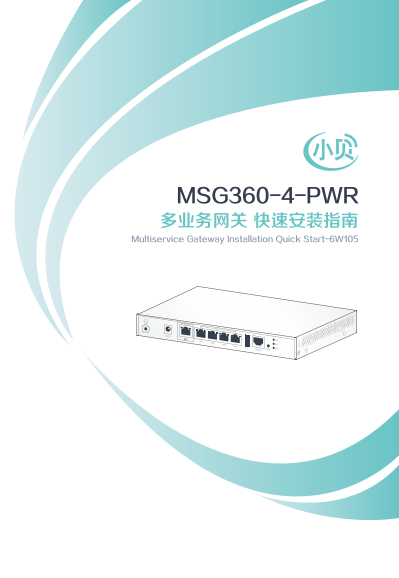
Page 1 Text Content
字体: 标题方正正中黑简体,不分中英文 内容方正正纤黑简体,不分中英文 特殊符号用Helvetica 图中字方正正纤黑简体
MSG360-4-PWR 多业务网关 快速安装指南 Multiservice Gateway Installation Quick Start-6W105
Page Summary Contents For MSG360-4-PWR H3C Multi-Services Gateway Quick Installation Guide - 6W105
Manual Details
| Brand | Gateway |
|---|---|
| Pages | 5 |
| File Size | 697.47 KB |
| Published | May 21, 2026 |
Enter the captcha to get the download link:

Frequently Asked Questions
如何将多业务网关连接到网络?
确保设备正确接地;WAN口连接上行网络,LAN口直接连接AP。
本地PC和无线终端分别如何登录多业务网关的管理界面?
有线方式:使用网线连接至任意LAN口,浏览器访问192.168.0.100并用密码admin;无线方式需搜索SSID“xiaobei”,访问192.168.0.100,输入password admin。
什么设备支持通过绿洲平台管理此网关?
需要在Android 4.0及以上或iOS 7.0及以上操作系统的移动设备上下载并使用“绿洲精灵”应用程序。
接入Internet时有哪些连接方式可供选择?
可以选择PPPoE(通过ADSL Modem或EPON)、静态IP地址配置,或通过DHCP自动获取IP地址。