M-Audio iControl for GarageBand Quick User Guide
Summary
Elevate your music production workflow with the M-Audio iControl, dedicated control surface for Apple GarageBand users. This interface transforms software controls—like EQ, volume, pan, and effects processing—into physical knobs and sliders, dramatically boosting creativity and speed in the studio. The manual provides a comprehensive guide covering simple setup, detailed hardware functionality walkthroughs, and advanced operation tips, making complex digital functions intuitive to master. It is essential equipment for musicians and producers seeking maximum tactile control over their mixing process.
Page 1 Text Content
English i Control
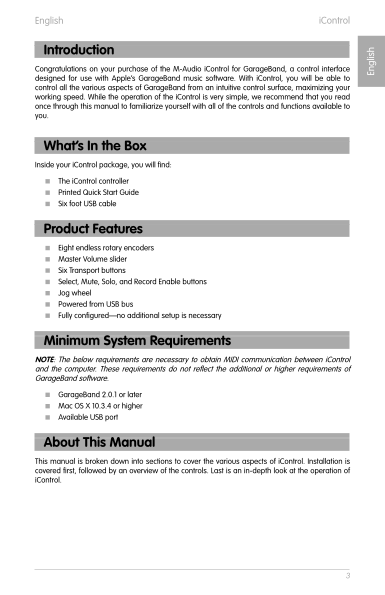
Congratulations on your purchase of the M-Audio i Control for Garage Band, a control interface designed for use with Apple’s Garage Band music software. With i Control, you will be able to control all the various aspects of Garage Band from an intuitive control surface, maximizing your working speed. While the operation of the i Control is very simple, we recommend that you read once through this manual to familiarize yourself with all of the controls and functions available to you.
What’s In the Box Inside your i Control package, you will find: < The i Control controller < Printed Quick Start Guide < Six foot USB cable
Product Features < Eight endless rotary encoders < Master Volume slider < Six Transport buttons < Select, Mute, Solo, and Record Enable buttons < Jog wheel < Powered from USB bus < Fully configured—no additional setup is necessary
Minimum System Requirements NOTE: The below requirements are necessary to obtain MIDI communication between i Control and the computer. These requirements do not reflect the additional or higher requirements of
En gl is h Introduction
Garage Band software.
< Garage Band 2.0.1 or later < Mac OS X 10.3.4 or higher < Available USB port
About This Manual This manual is broken down into sections to cover the various aspects of i Control. Installation is covered first, followed by an overview of the controls. Last is an in-depth look at the operation of i Control.
Page Summary Contents For M-Audio iControl for GarageBand Quick User Guide
Manual Details
| Brand | M-AUDIO |
|---|---|
| Pages | 7 |
| File Size | 528.85 KB |
| Published | May 26, 2026 |
Enter the captcha to get the download link:

Frequently Asked Questions
How do I set up the iControl device?
Connect it to a USB port on your computer using the supplied cable; no drivers or additional setup is necessary.
What are the minimum system requirements for use with GarageBand?
You need Mac OS X 10.3.4 or higher, and GarageBand version 2.0.1 or later to ensure MIDI communication.
How do I change a track's instrument setting?
Press the Track Info button; the rotary encoders will then allow for parameter editing of the selected Track’s instrument.
Does using the iControl affect my computer's USB ports?
It is powered from the USB bus, but do not use it simultaneously with other critical equipment that could lead to interference.