M-AUDIO Groove Lab Quick Start Guide
Summary
Discover your music potential with the integrated GrooveLab package, a professional solution for composition and production. This starter kit includes the high-spec GrooveLab Transit audio interface and powerful Ableton Live Delta DAW software. Included is a Quick Start Guide detailing essential setup processes: installing drivers, connecting hardware, configuring inputs/outputs, and importing demo loops. Perfect for new musicians, audio enthusiasts, or beginners looking to enter the world of music production effortlessly.
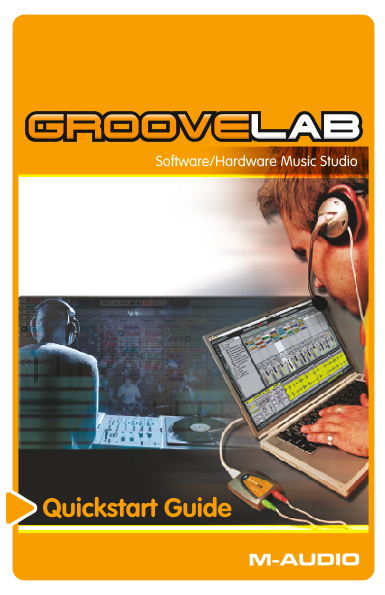
Page Summary Contents For M-AUDIO Groove Lab Quick Start Guide
Manual Details
| Brand | M-AUDIO |
|---|---|
| Pages | 14 |
| File Size | 770.48 KB |
| Published | May 26, 2026 |
Enter the captcha to get the download link:

Frequently Asked Questions
What signal should I use to connect a microphone?
Connect the red (microphone) plug to the GrooveLab Transit’s Line/Optical Input.
Can I use the GrooveLab Transit with other audio devices?
No, the system provides an integrated solution and is designed for optimal performance when used as intended.
Why should I install the specialized driver instead of using it 'plug-and-play'?
The dedicated driver offers lower latency (faster response) and higher resolution up to 24-bit/96kHz, improving sound quality compared to standard audio ports.
What is the first step when setting up the GrooveLab Transit on a Windows PC?
First, install the GrooveLab Transit drivers by running the installation programs from the included CD-*ROM* before connecting the physical unit to your computer.