LG FB770H 19-Inch Monitor User's Manual English
Summary
This comprehensive guide provides everything needed for setup, operation, and safe use of your computer monitor. Detailed instructions cover optimal connectivity, stand attachment, and configuration settings while rigorously emphasizing crucial electrical safety precautions. It is essential reading for new users who require detailed guidance to ensure maximum performance and longevity in any professional or personal setting.
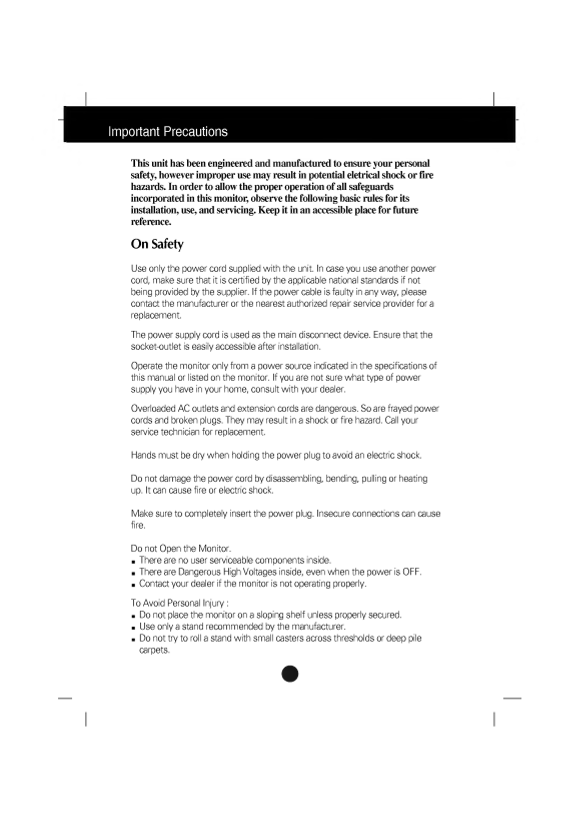
Page 1 Text Content
Important Precautions
This unit has been engineered and manufactured to ensure your personal
however improper use may result in eletrical shock or fire safety, potential
hazards. In order to allow the proper operation of all
safeguards
incorporated in this monitor, observe the basic rules for its
following installation, use, and Keep it in an accessible for future
servicing. place
reference.
On Safety
Use only the power cord supplied with the unit. In case you use another power
cord, make sure that it is certified by the applicable national standards if not
being provided by the supplier. If the power cable is faulty in any way, please
contact the manufacturer or the nearest authorized repair service provider for replacement.
The power supply cord is used as the main disconnect device. Ensure that the socket-outlet is easily accessible after installation.
Operate the monitor only from power source indicated in the specifications of
this manual or listed on the monitor. If you are not sure what type of power
supply you have in your home, consult with your dealer.
Overloaded AC outlets and extension cords are dangerous. So are frayed power
cords and broken plugs. They may result in shock or fire hazard. Call your
service technician for replacement.
Hands must be dry when holding the power plug to avoid an electric shock.
Do not damage the power cord by disassembling, bending, pulling or heating up. It can cause fire or electric shock.
Make sure to completely insert the power plug. Insecure connections can cause fire.
Do not Open the Monitor. There are no user serviceable components inside. There are Dangerous High Voltages inside, even when the power is OFF.
Contact your dealer if the monitor is not operating properly.
To Avoid Personal Injury Do not place the monitor on sloping shelf unless properly secured. Use only stand recommended by the manufacturer. Do not try to roll stand with small casters across thresholds or deep pile carpets.
Page Summary Contents For LG FB770H 19-Inch Monitor User's Manual English
Manual Details
| Brand | LG |
|---|---|
| Pages | 15 |
| File Size | 249.14 KB |
| Published | May 29, 2026 |
Enter the captcha to get the download link:

Frequently Asked Questions
What precautions should I take regarding power cords and sockets?
Use the provided cord, ensure your power supply is certified, and never use overloaded AC outlets or extension cords.
Is there anything I need to worry about when cleaning the monitor?
Unplug the unit first. Use a slightly dampened cloth, and never apply aerosol spray directly to the screen.
What are the risks if I block the ventilation openings?
Blocking the vents can cause heat buildup, resulting in failures which may lead to a fire hazard.
How do I connect or secure the stand with tilt/swivel?
Align the matching slots on the base of the stand with the hooks on the monitor. Then, slide the stand toward the front until the latches click into place.
What is the recommended procedure for maximizing screen life?
To prevent premature aging pixels, use a screen saver when displaying a single static image for prolonged periods.