LG 19-Inch CB575G.AXLRE Monitor User Manual - English
Summary
This comprehensive manual provides essential guidelines and detailed instructions for safe operation, setup, and maintenance of your monitor unit. It covers crucial safety warnings regarding electrical hazards, proper power usage, and physical handling to prevent injury and fire. Users will find step-by-step guides on connecting cables, configuring ideal placement (including tilt/swivel stand attachment), and utilizing technical specifications. This guide is designed for all owners, ensuring the longevity and safe integration of your display into any environment.
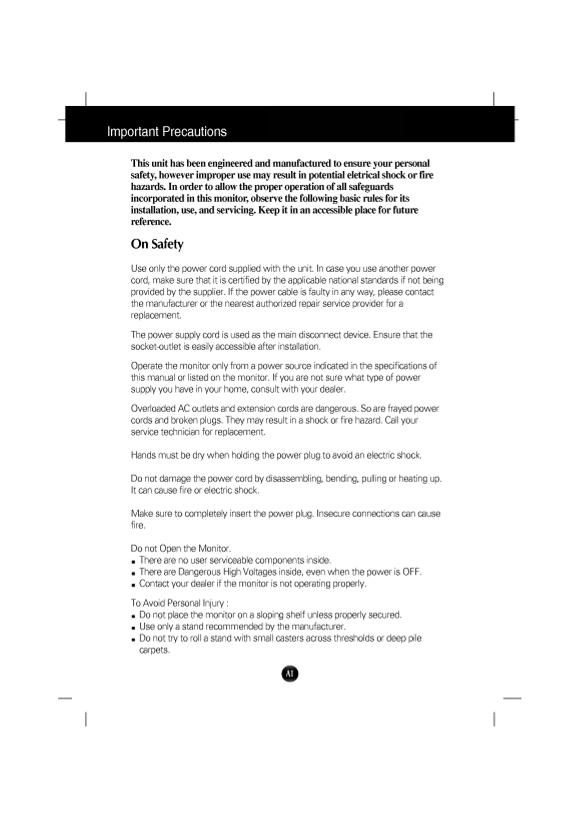
Page 1 Text Content
This unit has been engineered and manufactured to ensure your personal
however improper use may result in eletrical shock or fire safety, potential
hazards. In order to allow the proper operation of all
safeguards
incorporated in this monitor, observe the basic rules for its
following installation, use, and Keep it in an accessible for future
servicing. place
reference.
On Safety
Use only the power cord supplied with the unit. In case you use another power
cord, make sure that it is certified by the applicable national standards if not being
provided by the supplier. If the power cable is faulty in any way, please contact
the manufacturer or the nearest authorized repair service provider for replacement.
The power supply cord is used as the main disconnect device. Ensure that the socket-outlet is easily accessible after installation.
Operate the monitor only from power source indicated in the specifications of
this manual or listed on the monitor. If you are not sure what type of power
supply you have in your home, consult with your dealer.
Overloaded AC outlets and extension cords are dangerous. So are frayed power
cords and broken plugs. They may result in shock or fire hazard. Call your
service technician for replacement.
Hands must be dry when holding the power plug to avoid an electric shock.
Do not damage the power cord by disassembling, bending, pulling or heating up. It can cause fire or electric shock.
Make sure to completely insert the power plug. Insecure connections can cause fire.
Do not Open the Monitor. There are no user serviceable components inside. There are Dangerous High Voltages inside, even when the power is OFF.
Contact your dealer if the monitor is not operating properly.
To Avoid Personal Injury Do not place the monitor on sloping shelf unless properly secured. Use only stand recommended by the manufacturer. Do not try to roll stand with small casters across thresholds or deep pile carpets.
Page Summary Contents For LG 19-Inch CB575G.AXLRE Monitor User Manual - English
Manual Details
| Brand | LG |
|---|---|
| Pages | 15 |
| File Size | 256.72 KB |
| Published | June 03, 2026 |
Enter the captcha to get the download link:

Frequently Asked Questions
What is the recommended viewing resolution for this monitor?
The unit recommends a VESA 1024 x 768@ 85Hz resolution.
How should I safely connect and install the stand?
Align the corresponding slots on the stand hooks with the base, insert, and slide until the latches click into place.
What are the risks associated with improper placement or operation?
Poor ventilation or blocking necessary openings can cause overheating and a fire hazard. Also, do not use near water sources.