Lenovo ThinkServer TS430 User Guide and Manual
Summary
Easily integrate cost-effective Lenovo ThinkServer TS430 systems into your existing HP enterprise management environment. This comprehensive guide demonstrates full compatibility, allowing IT administrators to adopt new hardware without disrupting established workflows or requiring additional software licenses. Detailed steps walk through seamless discovery, health monitoring, remote access, and advanced fault management using familiar tools. Ideal for infrastructure managers expanding their server capacity who demand reliable integration with current systems.
Page 1 Text Content
INTEGRATION ANALYSIS AND GUIDE: LENOVO THINKSERVER TS430 IN AN HP ENVIRONMENT
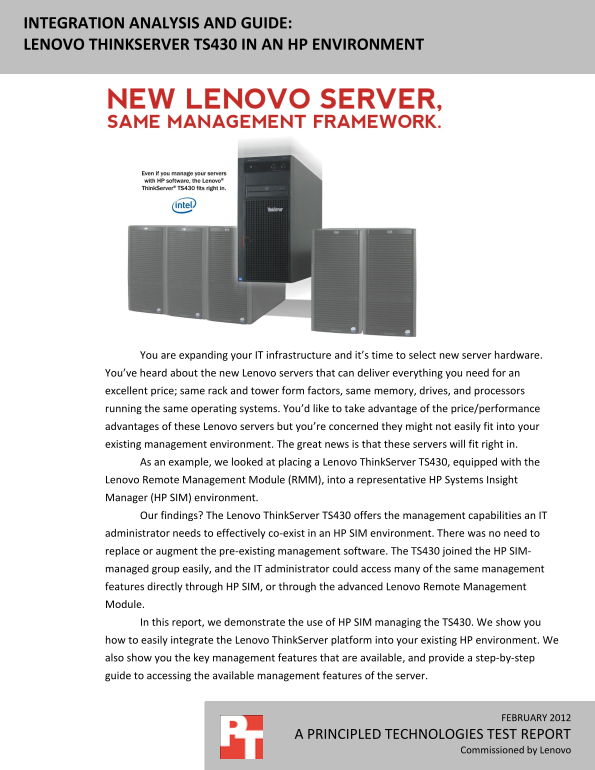
You are expanding your IT infrastructure and it’s time to select new server hardware. You’ve heard about the new Lenovo servers that can deliver everything you need for an excellent price; same rack and tower form factors, same memory, drives, and processors running the same operating systems. You’d like to take advantage of the price/performance advantages of these Lenovo servers but you’re concerned they might not easily fit into your existing management environment. The great news is that these servers will fit right in. As an example, we looked at placing a Lenovo Think Server TS430, equipped with the Lenovo Remote Management Module (RMM), into a representative HP Systems Insight Manager (HP SIM) environment. Our findings? The Lenovo Think Server TS430 offers the management capabilities an IT administrator needs to effectively co-exist in an HP SIM environment. There was no need to replace or augment the pre-existing management software. The TS430 joined the HP SIM- managed group easily, and the IT administrator could access many of the same management features directly through HP SIM, or through the advanced Lenovo Remote Management Module. In this report, we demonstrate the use of HP SIM managing the TS430. We show you how to easily integrate the Lenovo Think Server platform into your existing HP environment. We also show you the key management features that are available, and provide a step-by-step guide to accessing the available management features of the server.
FEBRUARY 2012
A PRINCIPLED TECHNOLOGIES TEST REPORT
Commissioned by Lenovo
Page Summary Contents For Lenovo ThinkServer TS430 User Guide and Manual
Manual Details
| Brand | Lenovo |
|---|---|
| Pages | 29 |
| File Size | 1.85 MB |
| Published | June 05, 2026 |
Enter the captcha to get the download link:

Frequently Asked Questions
Does integrating a Lenovo ThinkServer TS430 require replacing my existing HP management software?
No, the Lenovo server can easily integrate into an existing HP SIM environment without needing to replace or augment your current pre-existing management software.
What features does the built-in Lenovo Remote Management Module (RMM) provide?
The RMM offers a complete solution including optional virtual media and KVM console access, allowing remote maintenance and hardware monitoring that can alert you to faltering components.
Are all server management features available through HP SIM when using a TS430?
Some management features, like fan monitoring, may not be readily available directly through HP SIM, but the full functionality is accessible via the RMM in the TS430 itself.
How can I work on a server remotely without being physically present?
The RMM provides KVM access, enabling you to work on the server remotely as if you were right beside it.