Gigabyte Laptop Notebook P15F v2P15F v2 Manual - User Guide English (Version 3.0)
Summary
This comprehensive guide serves as your essential resource for setting up and maintaining your GIGABYTE Notebook. For new owners, it provides step-by-step instructions covering initial power connection, Windows OS setup, and understanding all physical components (including ports and hotkeys). The manual also offers advanced support on system recovery procedures, creating smart backup images to a USB drive, and optimizing performance troubleshooting, ensuring reliable operation even when undergoing deep maintenance.
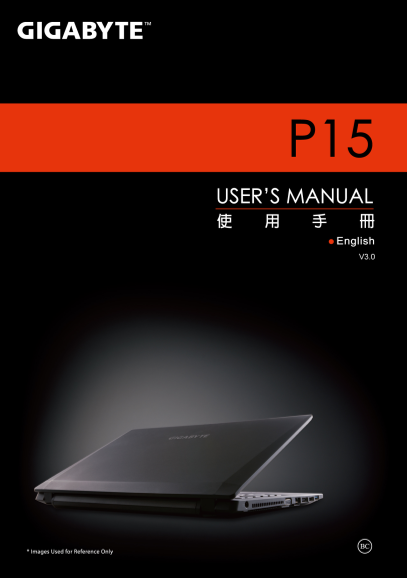
Page Summary Contents For Gigabyte Laptop Notebook P15F v2P15F v2 Manual - User Guide English (Version 3.0)
Manual Details
| Brand | GIGABYTE |
|---|---|
| Pages | 11 |
| File Size | 1.99 MB |
| Published | May 28, 2026 |
Enter the captcha to get the download link:

Frequently Asked Questions
How do I properly install a new battery pack?
Insert the battery pack into the compartment, and then remember to slide the integrated switch to the "Lock" position.
What steps must be taken before attempting OS recovery or backup?
You must first back up your personal data. For recovery backups, plug in a USB disk with at least 20GB capacity.
How do I use the hotkeys on the keyboard?
To activate any hotkey combination (like volume control or brightness), you must press and hold the <Fn> key first before pressing the associated function key.
What is the difference between 'Refresh' and 'Reset' during recovery?
'Refresh your PC' improves stability without losing personal files, while 'Reset your PC' removes all personal data for a full restoration.