Dell Server Deployment Pack Version 1.0 for Microsoft System Center Configuration Manager README
Summary
Streamline enterprise hardware deployment with this essential Dell Integration Pack. Designed for IT administrators managing large environments via Microsoft System Center Configuration Manager, it simplifies OS installation and system configuration across multiple Original Equipment Manufacturers (OEMs). The documentation provides comprehensive guides on compatibility requirements, including supported Dell PowerEdge systems and various Windows Server editions. Utilize the manual for step-by-step installation procedures, known issue resolutions, and reliable upgrades, ensuring seamless management of your networked hardware platforms.
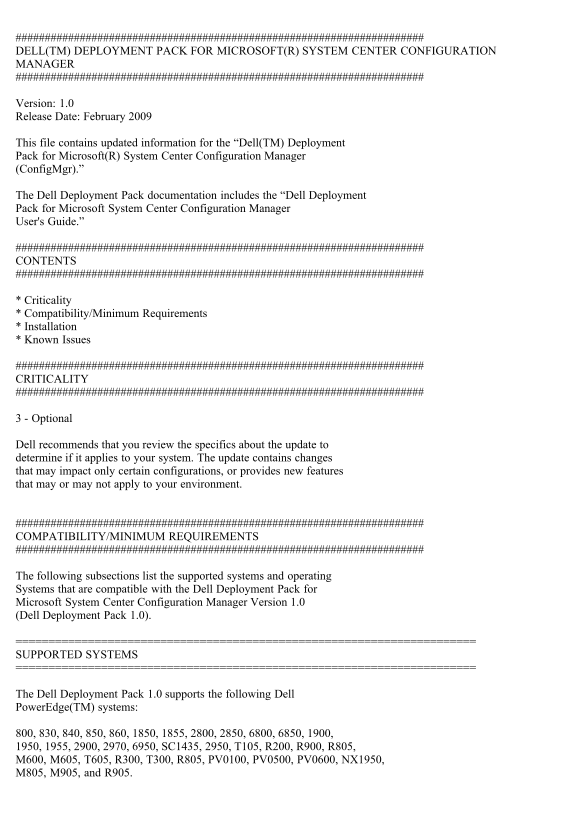
Page 1 Text Content
DELL(TM) DEPLOYMENT PACK FOR MICROSOFT(R) SYSTEM CENTER CONFIGURATION MANAGER
Version: 1.0 Release Date: February 2009
This file contains updated information for the “Dell(TM) Deployment Pack for Microsoft(R) System Center Configuration Manager (Config Mgr).”
The Dell Deployment Pack documentation includes the “Dell Deployment Pack for Microsoft System Center Configuration Manager User's Guide.”
CONTENTS
* Criticality * Compatibility/Minimum Requirements * Installation * Known Issues
CRITICALITY
3 - Optional
Dell recommends that you review the specifics about the update to determine if it applies to your system. The update contains changes that may impact only certain configurations, or provides new features that may or may not apply to your environment.
COMPATIBILITY/MINIMUM REQUIREMENTS
The following subsections list the supported systems and operating Systems that are compatible with the Dell Deployment Pack for Microsoft System Center Configuration Manager Version 1.0 (Dell Deployment Pack 1.0).
SUPPORTED SYSTEMS
The Dell Deployment Pack 1.0 supports the following Dell Power Edge(TM) systems:
800, 830, 840, 850, 860, 1850, 1855, 2800, 2850, 6800, 6850, 1900, 1950, 1955, 2900, 2970, 6950, SC1435, 2950, T105, R200, R900, R805, M600, M605, T605, R300, T300, R805, PV0100, PV0500, PV0600, NX1950, M805, M905, and R905.
Page Summary Contents For Dell Server Deployment Pack Version 1.0 for Microsoft System Center Configuration Manager README
Manual Details
| Brand | Microsoft |
|---|---|
| Pages | 7 |
| File Size | 22.53 KB |
| Published | May 30, 2026 |
Enter the captcha to get the download link:

Frequently Asked Questions
What are the minimum compatibility requirements before installing DDP 1.0?
You must have ConfigMgr 2007 SP1 installed, and the default boot image version should be '6.0.6001.18000' or newer.
Which Dell PowerEdge models are supported by this deployment pack?
Supported systems include 800, 6850, 2900, R905, M905, and more.
How do I upgrade DDP when it is installed on both the parent and child site?
First, uninstall DDP from both sites, then remove the DDP packages from the parent site.
What specific condition must be met regarding ConfigMgr during installation?
ConfigMgr must not be running while performing the DDP installation or uninstallation.