Dell Release Notes v3.4.8.x and 4.4.8.x Owner's Manual
Summary
This document contains release notes for Dell PowerVault 77xN NAS System OS versions 3.4.8.x and 4.4.8.x. It provides updates covering UPS service management, disk upgrade limitations, shadow copy usage, RAID controller boot order, array expansion, virtual disk requirements, and NetWare volume creation. Target users are system administrators managing Dell PowerVault 77xN NAS systems.
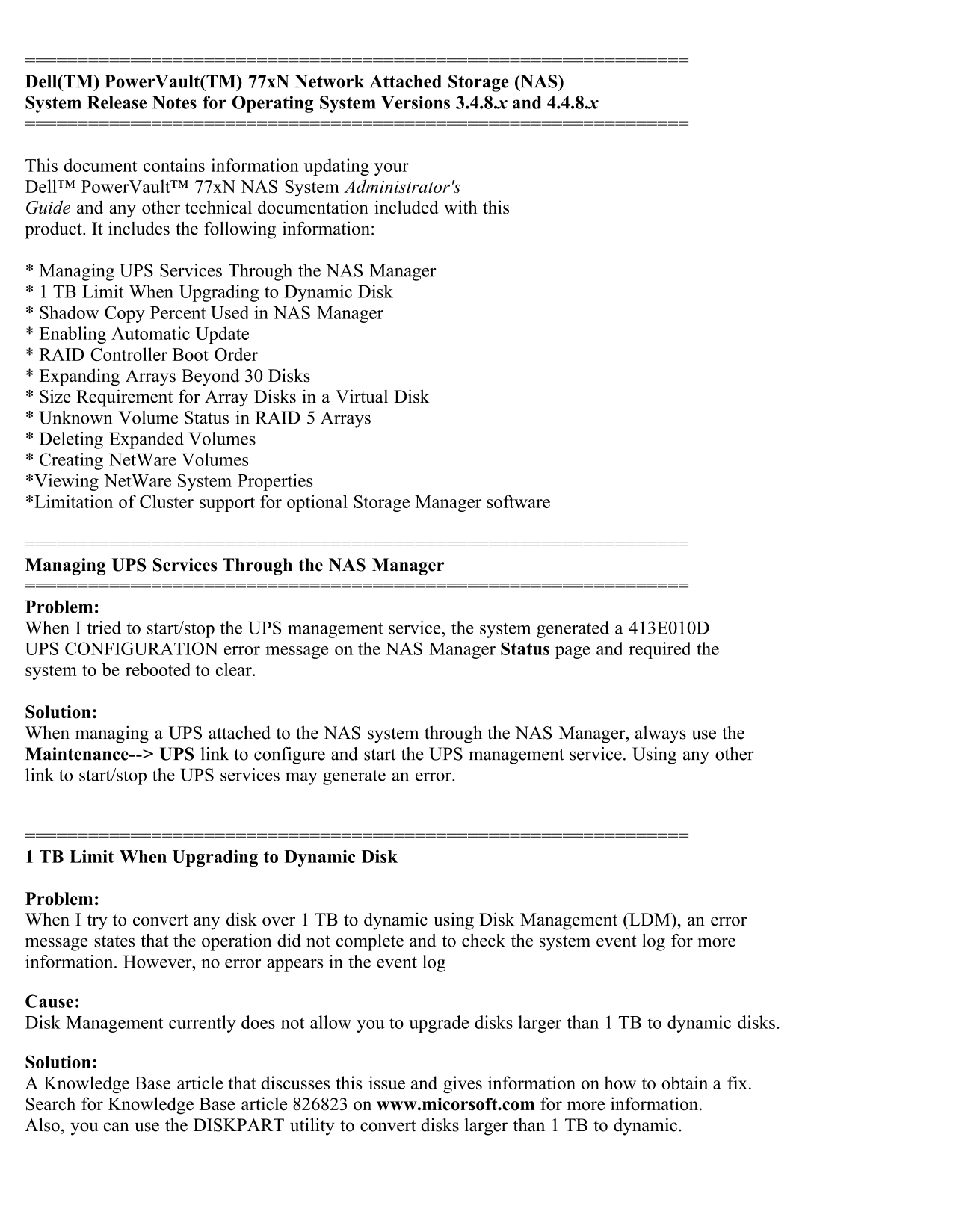
Page 1 Text Content
Dell(TM) Power Vault(TM) 77x N Network Attached Storage (NAS) System Release Notes for Operating System Versions 3.4.8.x and 4.4.8.x
This document contains information updating your Dell™ Power Vault™ 77x N NAS System Administrator's Guide and any other technical documentation included with this product. It includes the following information:
* Managing UPS Services Through the NAS Manager * 1 TB Limit When Upgrading to Dynamic Disk * Shadow Copy Percent Used in NAS Manager * Enabling Automatic Update * RAID Controller Boot Order * Expanding Arrays Beyond 30 Disks * Size Requirement for Array Disks in a Virtual Disk * Unknown Volume Status in RAID 5 Arrays * Deleting Expanded Volumes * Creating Net Ware Volumes *Viewing Net Ware System Properties *Limitation of Cluster support for optional Storage Manager software
Managing UPS Services Through the NAS Manager
Problem: When I tried to start/stop the UPS management service, the system generated a 413E010D UPS CONFIGURATION error message on the NAS Manager Status page and required the system to be rebooted to clear.
Solution: When managing a UPS attached to the NAS system through the NAS Manager, always use the Maintenance--> UPS link to configure and start the UPS management service. Using any other link to start/stop the UPS services may generate an error.
1 TB Limit When Upgrading to Dynamic Disk
Problem: When I try to convert any disk over 1 TB to dynamic using Disk Management (LDM), an error message states that the operation did not complete and to check the system event log for more information. However, no error appears in the event log
Cause: Disk Management currently does not allow you to upgrade disks larger than 1 TB to dynamic disks.
Solution: A Knowledge Base article that discusses this issue and gives information on how to obtain a fix. Search for Knowledge Base article 826823 on www.micorsoft.com for more information. Also, you can use the DISKPART utility to convert disks larger than 1 TB to dynamic.
Page Summary Contents For Dell Release Notes v3.4.8.x and 4.4.8.x Owner's Manual
Manual Details
| Brand | Dell |
|---|---|
| Pages | 5 |
| File Size | 27.70 KB |
| Published | June 29, 2026 |
Enter the captcha to get the download link:

Frequently Asked Questions
How should I manage the UPS service through the NAS Manager?
Always use the Maintenance--> UPS link to configure or start/stop services; using other links may generate an error.
Why can't I convert disks larger than 1 TB to dynamic disks using Disk Management?
Disk Management currently does not allow upgrading disks over 1 TB to dynamic disks, though you can use the DISKPART utility instead.
What are the steps to enable Automatic Update on the NAS system?
Under Maintenance, click Remote Desktop, log in as administrator, right-click My Appliance, and navigate to the Automatic Updates tab.
Is there a limit when expanding virtual disks or arrays?
The Volumes page does not support expansion of a virtual disk containing 30 or more array disks.