Dell Product Support Quick Notes - Dell UPS Management Software User's Manual
Summary
This quick reference guide provides deployment scenarios for Dell UPS Management Software. It covers single UPS with multiple servers via USB/RS232, network management card configurations, redundant UPS setups, and messaging/email alert configuration. Designed for system administrators and facilities managers, the guide ensures proper UPS monitoring and graceful shutdown protection for critical infrastructure.
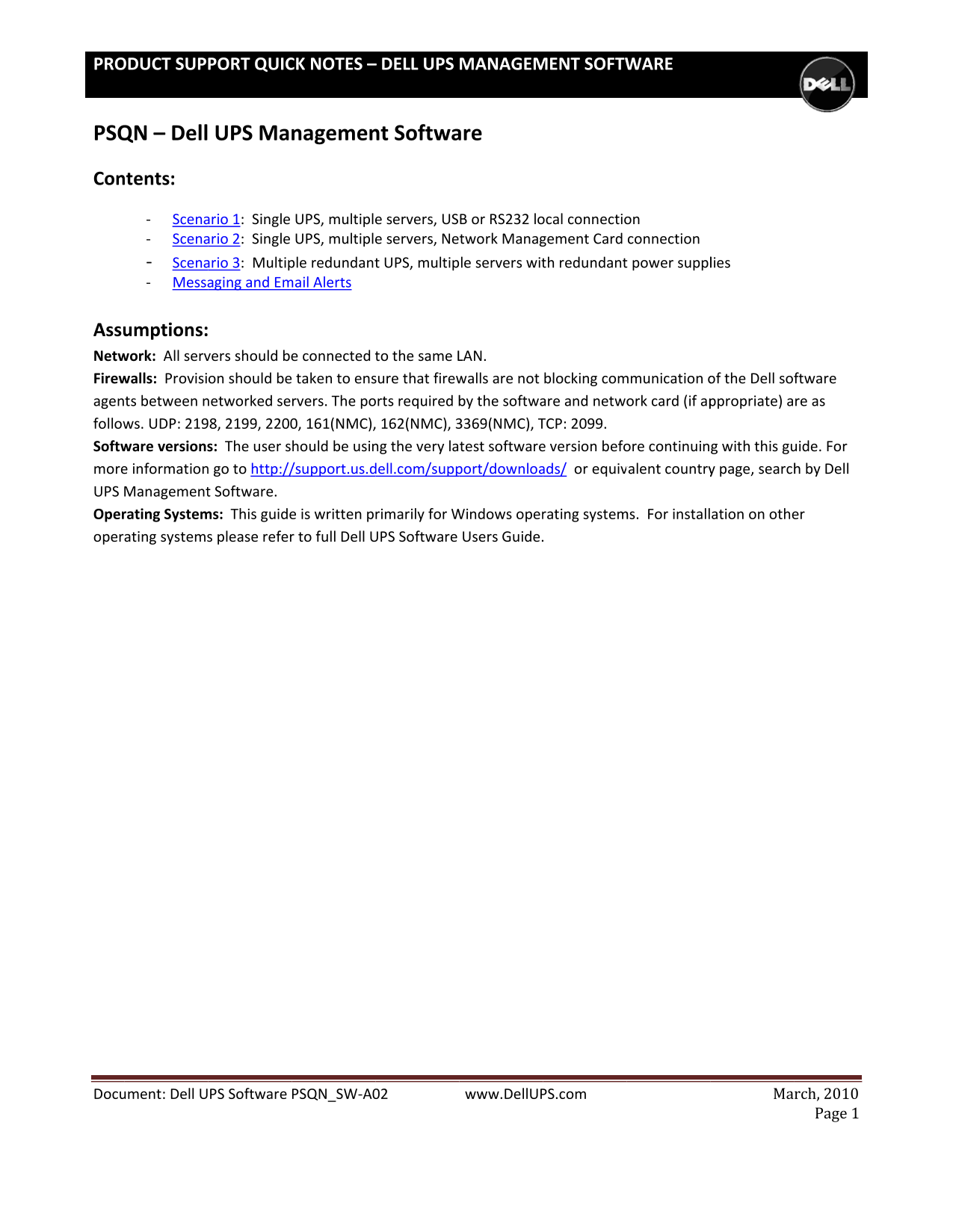
Page 1 Text Content
PRO DUCT SUP PORT QUIC K NOTES – DELL UPS MANAGEM ENT SOFTW ARE
PSQ N – Dell UPS Man agemen t Softwa re Con tents: ‐ Scena rio 1: Single UPS, multiple servers, US B or RS232 lo cal connectio n
‐ Scena rio 2: Single UPS, multiple servers, Ne twork Manag ement Card connection
‐ Scena rio 3: Multip le redundant UPS, multip le servers wit h redundant power suppl ies ‐ Messa ging and Em ail Alerts
Assu mptions: Netw ork: All serv ers should be connected t o the same L AN. Firew alls: Provisi on should be taken to ens ure that firew alls are not blocking com munication o f the Dell sof tware agen ts between n etworked se rvers. The po rts required b y the softwa re and netwo rk card (if ap propriate) a re as follow s. UDP: 219 8, 2199, 2200 , 161(NMC), 162(NMC), 3 369(NMC), T CP: 2099.
Softw are versions : The user s hould be usin g the very la test software version befo re continuin g with this gu ide. For
more information go to http:// support.us.d ell.com/supp ort/downloa ds/ or equiv alent country page, search by Dell UPS Management Software. Oper ating System s: This guide is written pr imarily for W indows oper ating system s. For install ation on othe r oper ating systems please refer to full Dell U PS Software Users Guide.
Docu ment: Dell U PS Software PSQN_SW‐A0 2 www.Dell UP S.com Ma rch, 2010
Page 1
Page Summary Contents For Dell Product Support Quick Notes - Dell UPS Management Software User's Manual
Manual Details
| Brand | Dell |
|---|---|
| Pages | 14 |
| File Size | 2.92 MB |
| Published | June 29, 2026 |
Enter the captcha to get the download link:

Frequently Asked Questions
What network ports are required for the software to function?
UDP: 21998, 2199, 22000, 161(NMC), 162(NMC), 33369(NMC), and TCP: 2099.
What is the minimum requirement for setting up a multi-server shutdown process?
All servers must be connected to the same LAN, and firewall provisions should not block communication between Dell software agents.
How do I set up secondary servers in a shutdown configuration?
On secondary servers, configure the shutdown parameters by choosing “Remote Shutdown by Agent” and entering the primary server's IP address.
Where can I find information about alternative operating systems for installation?
For other OS installations, refer to the full Dell UPS Software Users Guide.