Dell PowerEdge SC 1430 Systems Information Update
Summary
Systems Information Update for Dell PowerEdge SC 1430 servers. Covers fourth hard drive installation with optional cooling fan carrier and cable routing precautions with dual processors. Includes updated system messages for DIMM training failures and System Setup program updates for Boot Sequence Retry and integrated devices configuration. Targets administrators maintaining SC 1430 infrastructure.
Page 1 Text Content
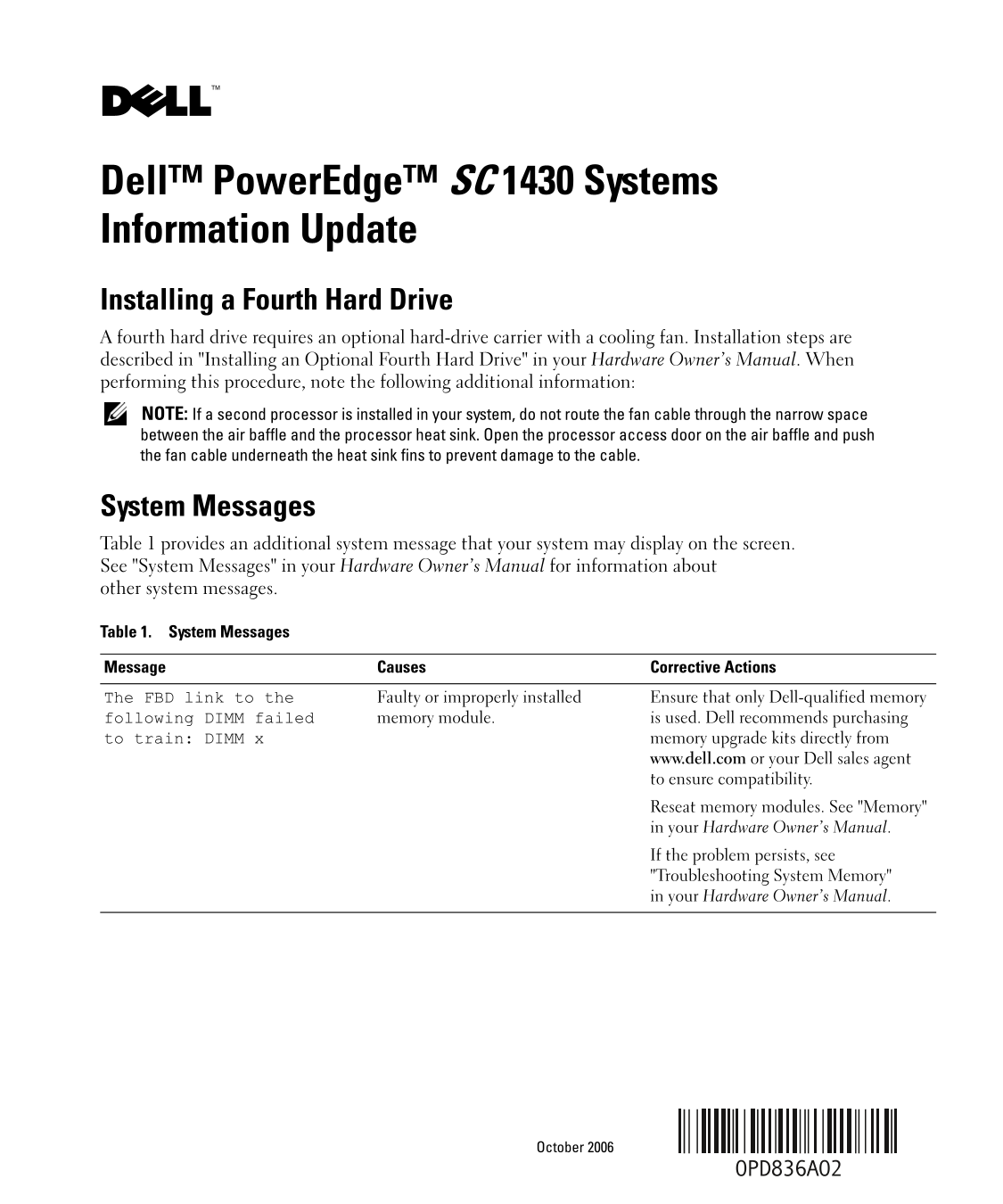
Dell™ Power Edge™ SC 1430 Systems Information Update Installing a Fourth Hard Drive A fourth hard drive requires an optional hard-drive carrier with a cooling fan. Installation steps are described in "Installing an Optional Fourth Hard Drive" in your Hardware Owner’s Manual. When performing this procedure, note the following additional information: NOTE: If a second processor is installed in your system, do not route the fan cable through the narrow space between the air baffle and the processor heat sink. Open the processor access door on the air baffle and push the fan cable underneath the heat sink fins to prevent damage to the cable.
System Messages Table 1 provides an additional system message that your system may display on the screen. See "System Messages" in your Hardware Owner’s Manual for information about other system messages.
Table 1. System Messages
Message Causes Corrective Actions
The FBD link to the Faulty or improperly installed Ensure that only Dell-qualified memory following DIMM failed memory module. is used. Dell recommends purchasing to train: DIMM x memory upgrade kits directly from
www.dell.com or your Dell sales agent to ensure compatibility. Reseat memory modules. See "Memory" in your Hardware Owner’s Manual. If the problem persists, see "Troubleshooting System Memory" in your Hardware Owner’s Manual.
October 2006
Page Summary Contents For Dell PowerEdge SC 1430 Systems Information Update
Manual Details
| Brand | Dell |
|---|---|
| Pages | 21 |
| File Size | 1.05 MB |
| Published | June 27, 2026 |
Enter the captcha to get the download link:

Frequently Asked Questions
how do I install an optional fourth hard drive?
You need an optional hard-drive carrier with a cooling fan. Follow the steps in ""Installing an Optional Fourth Hard Drive"" and note connecting fans when a second processor is used.
What are the troubleshooting steps if DIMM memory fails?
Ensure you use only Dell-qualified memory modules, preferably purchased as upgrade kits from Dell. If issues persist, reseat the memory or consult the ""Troubleshooting System Memory"" guide.
How can I reduce CPU usage for TCP applications?
Enable the I/OAT DMA Engine option in the system setup program; this offloads part of the TCP receive operation to the DMA engine.
Does the system automatically clear diagnostic lights?
Yes, once the system completes POST (Power-On Self Test), all diagnostic indicator lights will immediately turn off.