Dell OpenManage Deployment Toolkit Version 3.4 Readme Linux User Guide
Summary
This README document provides updated information for Dell OpenManage Deployment Toolkit version 3.4 for Embedded Linux. It covers compatibility with Dell PowerEdge server models, minimum requirements, release highlights, installation procedures, upgrade paths, user notes, and known issues. The document supports deployment automation and server configuration tasks across a wide range of Dell server hardware. Target users are system administrators, deployment engineers, and IT operations teams using automated tools for Dell server provisioning and configuration management.
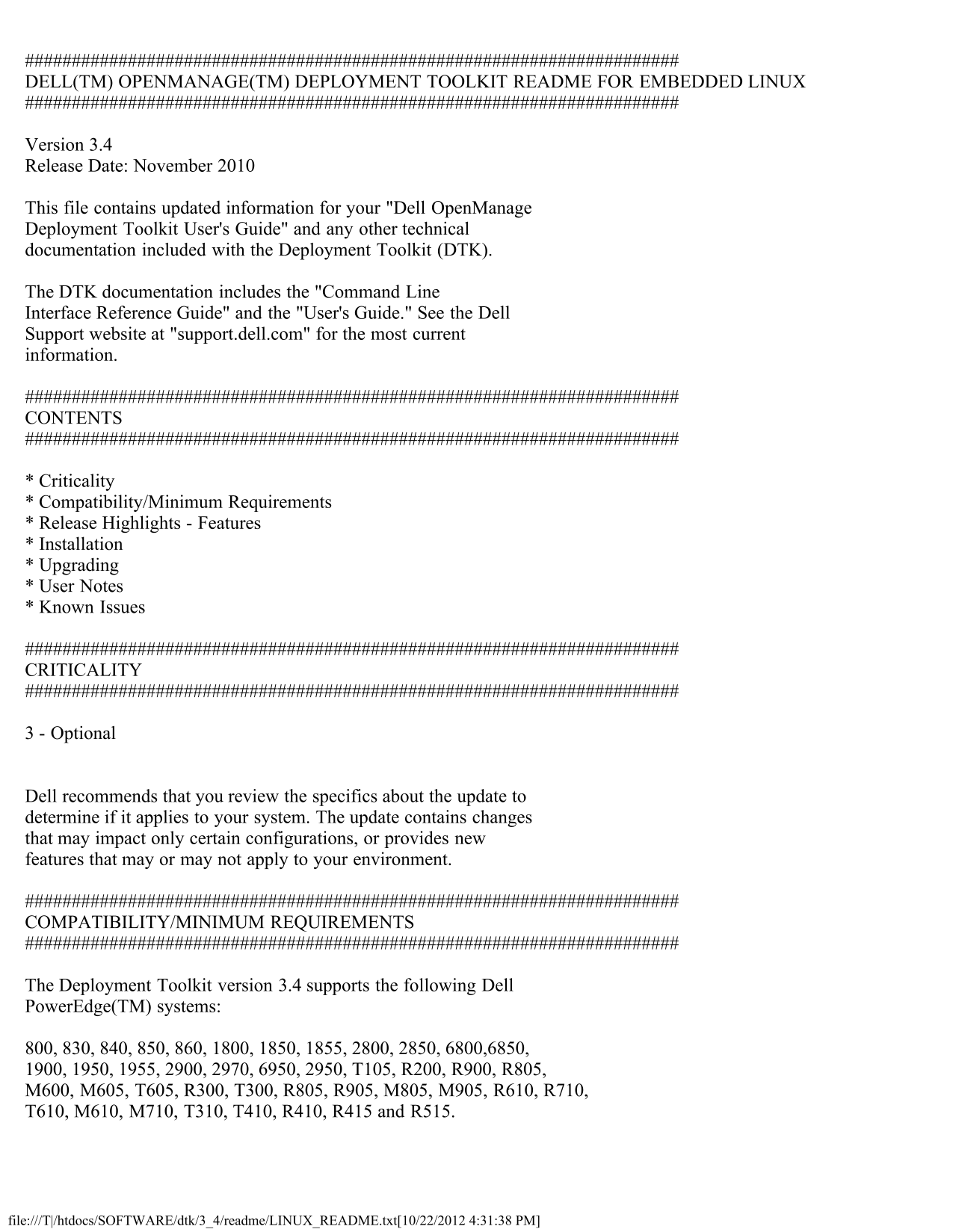
Page 1 Text Content
DELL(TM) OPENMANAGE(TM) DEPLOYMENT TOOLKIT README FOR EMBEDDED LINUX
Version 3.4 Release Date: November 2010
This file contains updated information for your "Dell Open Manage Deployment Toolkit User's Guide" and any other technical documentation included with the Deployment Toolkit (DTK).
The DTK documentation includes the "Command Line Interface Reference Guide" and the "User's Guide." See the Dell Support website at "support.dell.com" for the most current information.
CONTENTS
* Criticality * Compatibility/Minimum Requirements * Release Highlights - Features * Installation * Upgrading * User Notes * Known Issues
CRITICALITY
3 - Optional
Dell recommends that you review the specifics about the update to determine if it applies to your system. The update contains changes that may impact only certain configurations, or provides new features that may or may not apply to your environment.
COMPATIBILITY/MINIMUM REQUIREMENTS
The Deployment Toolkit version 3.4 supports the following Dell Power Edge(TM) systems:
800, 830, 840, 850, 860, 1800, 1850, 1855, 2800, 2850, 6800,6850, 1900, 1950, 1955, 2900, 2970, 6950, 2950, T105, R200, R900, R805, M600, M605, T605, R300, T300, R805, R905, M805, M905, R610, R710, T610, M610, M710, T310, T410, R410, R415 and R515.
file:///T|/htdocs/SOFTWARE/dtk/3_4/readme/LINUX_README.txt[10/22/2012 4:31:38 PM]
Page Summary Contents For Dell OpenManage Deployment Toolkit Version 3.4 Readme Linux User Guide
Manual Details
| Brand | Dell |
|---|---|
| Pages | 9 |
| File Size | 28.66 KB |
| Published | June 29, 2026 |
Enter the captcha to get the download link:

Frequently Asked Questions
What Dell PowerEdge systems are supported by DTK version 3.4?
It supports many models including the 6800, R710, T410, and R515, among others listed in the compatibility section.
How much space is needed for general installation of DTK components?
A Linux workstation requires at least 200 MB of free hard-drive space to install the DTK components for embedded Linux.
What technical skills are required before deploying DTK components?
Advanced knowledge of Linux, Linux scripting (BASH), network management, and working with RPMs is necessary.