Dell Information Update - Signed BIOS Firmware Update User Manual
Summary
Dell Signed BIOS Firmware Update documentation for PowerEdge systems R910, R210 II, and T110 II. This technical document describes the NIST SP 800-147 compliant signed BIOS update feature that provides enhanced security through digital signature authentication, firmware locking, and non-bypassability. It covers minimum BIOS versions required, system setup options for enabling the feature, and procedures for enabling via BIOS setup or Unified Server Configurator. Target users are system administrators and security professionals managing Dell PowerEdge server firmware in enterprise data centers.
Page 1 Text Content
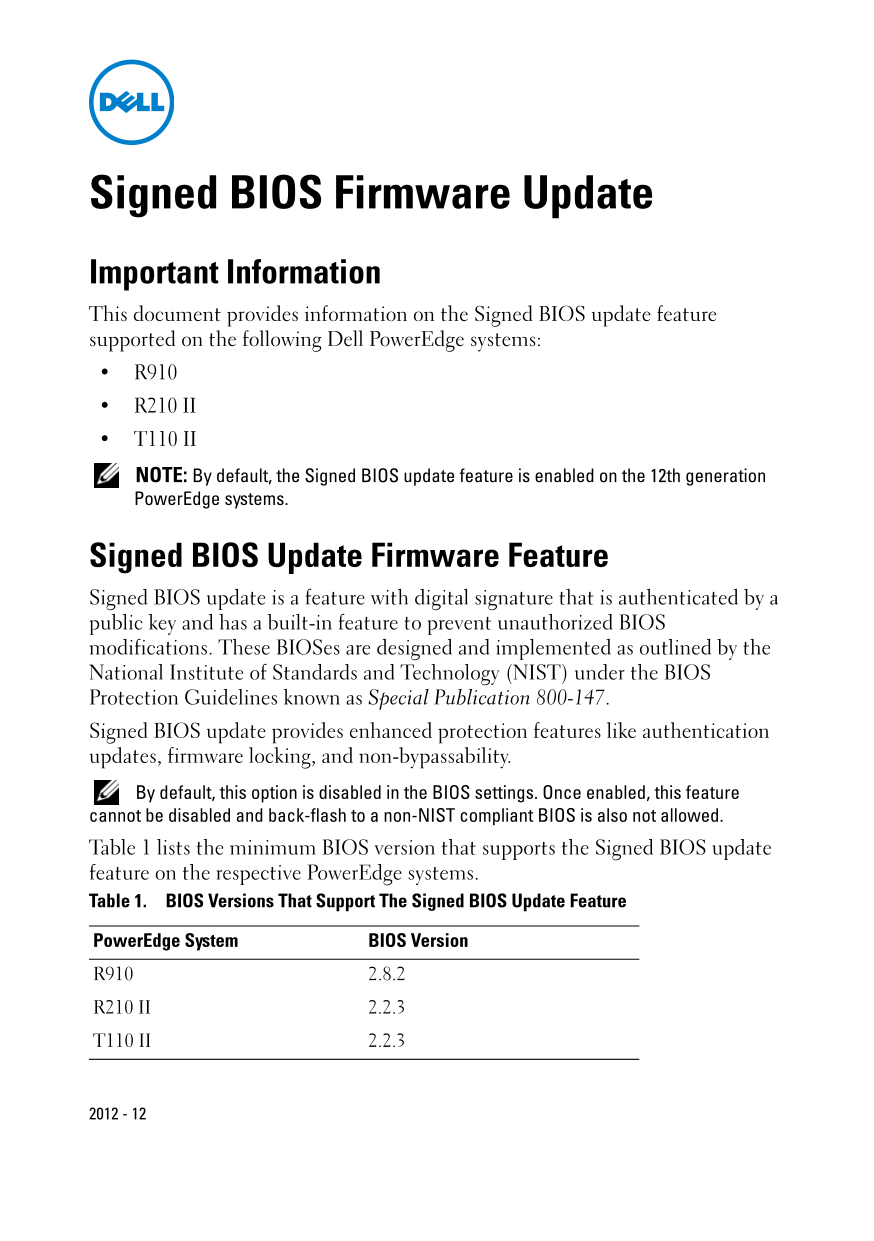
Signed BIOS Firmware Update Important Information This document provides information on the Signed BIOS update feature supported on the following Dell Power Edge systems: R910 R210 II T110 II NOTE: By default, the Signed BIOS update feature is enabled on the 12th generation Power Edge systems.
Signed BIOS Update Firmware Feature Signed BIOS update is a feature with digital signature that is authenticated by a public key and has a built-in feature to prevent unauthorized BIOS modifications. These BIOSes are designed and implemented as outlined by the National Institute of Standards and Technology (NIST) under the BIOS Protection Guidelines known as Special Publication 800-147. Signed BIOS update provides enhanced protection features like authentication updates, firmware locking, and non-bypassability. By default, this option is disabled in the BIOS settings. Once enabled, this feature cannot be disabled and back-flash to a non-NIST compliant BIOS is also not allowed. Table 1 lists the minimum BIOS version that supports the Signed BIOS update feature on the respective Power Edge systems. Table 1. BIOS Versions That Support The Signed BIOS Update Feature
Power Edge System BIOS Version R910 2.8.2
R210 II 2.2.3
T110 II 2.2.3
Page Summary Contents For Dell Information Update - Signed BIOS Firmware Update User Manual
Manual Details
| Brand | Dell |
|---|---|
| Pages | 32 |
| File Size | 601.22 KB |
| Published | June 26, 2026 |
Enter the captcha to get the download link:

Frequently Asked Questions
What security benefits does Signed BIOS Update provide?
It offers enhanced protection features like authentication updates, firmware locking, and non-bypassability.
Which models are currently supported for this feature?
The feature is only currently supported on PowerEdge R910, R210 II, and T110 II 11G systems.
How can I enable the Signed BIOS Update using F2 setup?
Press <F2>, navigate to System Security, select Signed BIOS Update, set it to 'Enabled,' and press <Enter>.
What is the default status of the feature in the BIOS settings?
By default, the Signed BIOS Update option is disabled (Disabled) within the BIOS setup. Great care must be taken after enabling it as it cannot be disabled again.