# A B C D E F G H I J K L M N O P Q R S T U V W X Y Z

Dell Firmware Update to Version 06.xx.xx.xx

Summary

This is an information update document for the Dell PowerVault MD3000 storage enclosure, providing critical updates and procedures for storage management. The document covers Storage Manager for SANs, array password reset procedures, physical disk migration, and RAID level migration requirements. It is intended for storage administrators and IT professionals managing Dell PowerVault MD3000 storage systems.
📄 Preview 📖 Table of Contents Contents PAGE OF 21

Page 1 Text Content

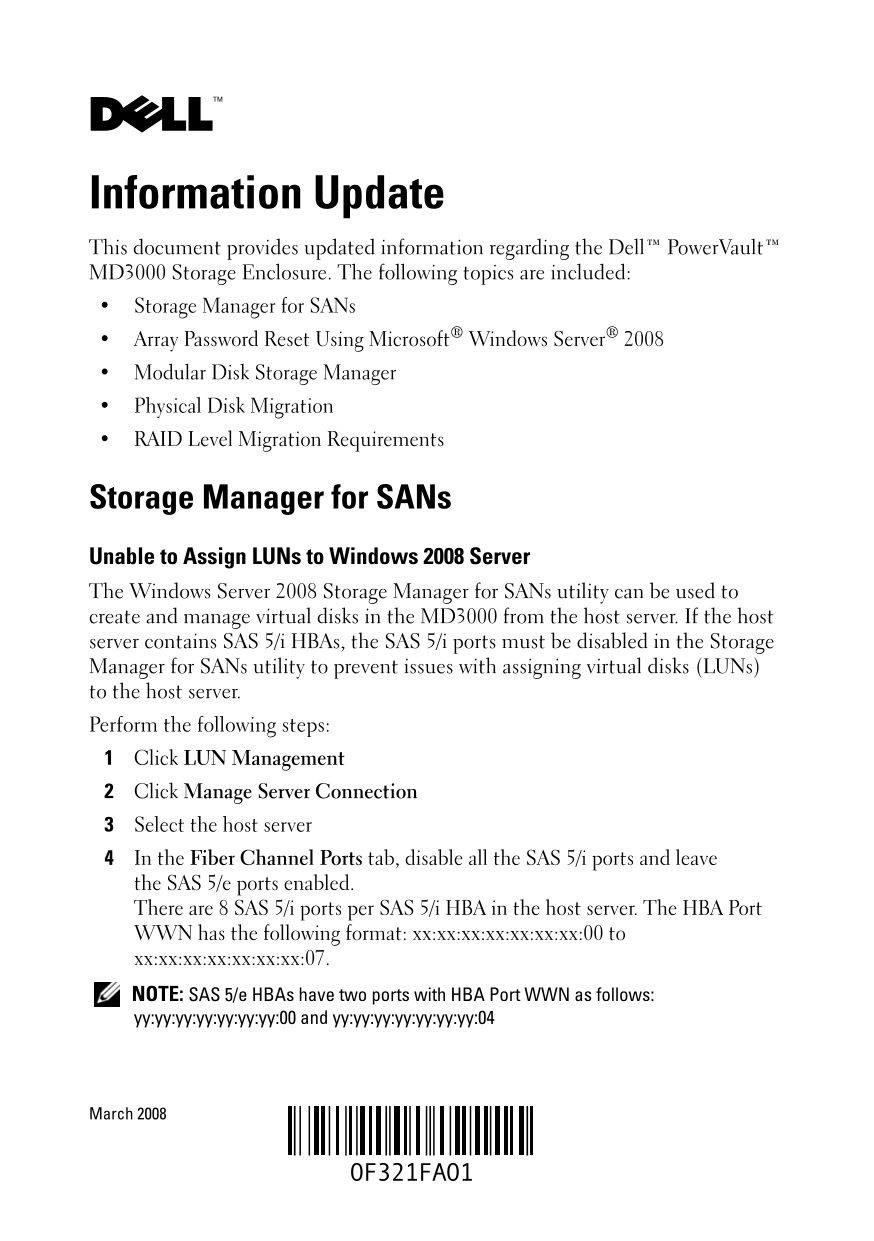
Information Update This document provides updated information regarding the Dell™ Power Vault™ MD3000 Storage Enclosure. The following topics are included: Storage Manager for SANs Array Password Reset Using Microsoft® Windows Server® 2008 Modular Disk Storage Manager Physical Disk Migration RAID Level Migration Requirements

Storage Manager for SANs Unable to Assign LUNs to Windows 2008 Server The Windows Server 2008 Storage Manager for SANs utility can be used to create and manage virtual disks in the MD3000 from the host server. If the host server contains SAS 5/i HBAs, the SAS 5/i ports must be disabled in the Storage Manager for SANs utility to prevent issues with assigning virtual disks (LUNs) to the host server. Perform the following steps: Click LUN Management Click Manage Server Connection Select the host server In the Fiber Channel Ports tab, disable all the SAS 5/i ports and leave the SAS 5/e ports enabled. There are 8 SAS 5/i ports per SAS 5/i HBA in the host server. The HBA Port WWN has the following format: xx:xx:xx:xx:xx:xx:xx:00 to xx:xx:xx:xx:xx:xx:xx:07. NOTE: SAS 5/e HBAs have two ports with HBA Port WWN as follows: yy:yy:yy:yy:yy:yy:yy:00 and yy:yy:yy:yy:yy:yy:yy:04

March 2008

Page Summary Contents For Dell Firmware Update to Version 06.xx.xx.xx

Page 1 Information Update This document provides updated information regarding the Dell™ Power Vault™ MD3000 Storage Enclosure. The following topics are included: Storage Manager for SANs Array Password Rese...
Page 2 Array Password Reset Using Microsoft Windows Server 2008 To reset a lost or forgotten password on an MD3000 array, a command must be issued via the serial port on either controller in the array to cle...
Page 3 RAID Level Migration Requirements Successful RAID Level Migration (RLM) requires that the appropriate number of physical disks are present in your disk group. To perform RLM from a RAID 1 or RAID 10 t...
Page 4 信息更新 本说明文件提供有关 Dell™ Power Vault™ MD3000 存储设备硬盘柜的更新信息。 包括以下主题: SAN 存储管理器 使用 Microsoft® Windows Server® 2008 重设阵列密码 Modular Disk Storage Manager 物理磁盘迁移 RAID 级别迁移要求 SAN 存储管理器 无法将 LUN 分配至 Windows 2008 服务...
Page 5 使用 Microsoft Windows Server 2008 重设阵列密码 要在 MD3000 阵列重设丢失或忘记的密码,则必须在阵列的任一控制器上通过 串行端口发出命令,以清除现有密码。此任务可通过服务器、工作站或膝上型 计算机与 MD3000i 阵列上控制器之间的 COM 端口连接完成。在大部分 Windows 操作系统中,使用 Hyper Terminal 应用程序建立 COM 端口与控...
Page 6 RAID 级别迁移要求 要成功完成 RAID 级别迁移 (RLM),您的磁盘组中需具有相应数量的物理磁盘。 要执行 RLM,从 RAID 1 或 RAID 10 迁移到 RAID 5 的奇数个物理磁盘 (五个或以上),请先将偶数个物理磁盘添加至 RAID 1 或 RAID 10, 将它们转换成 RAID 5,然后再添加奇数个物理磁盘。 Dell Inc.版权 所有,翻印必究。美国印制。 未经 De...
Page 7 Mise à jour des informations Ce document met à jour les informations concernant le châssis de stockage Dell™ Power Vault™ MD3000. Les thèmes abordés sont les suivants Gestionnaire de stockage pour rés...
Page 8 Réinitialisation du mot de passe de la baie à l'aide de Microsoft Windows Server Pour réinitialiser un mot de passe perdu ou oublié sur une baie MD3000, une commande doit être émise via le port série ...
Page 9 Conditions requises pour la migration d'un niveau RAID Pour pouvoir effectuer la migration d'un niveau RAID, le nombre adéquat de disques physiques doit être présent dans le groupe de disques. Pour ef...
Page 10 Aktuelle Informationen Dieses Dokument enthält aktuelle Informationen zum Speichergehäuse Dell™ Power Vault™ MD3000. Die folgenden Themen werden behandelt: Storage Manager for SANs Zurücksetzen des Ar...
Page 11 Zurücksetzen des Array-Kennworts unter Microsoft Windows Server 2008 Um ein verlorenes oder vergessenes Kennwort an einem MD3000-Array zurück- zusetzen, muss das vorhandene Kennwort durch einen Befehl...
Page 12 Anforderungen für RAID-Level-Migration Um eine RAID-Level-Migration (RLM) durchführen zu können, muss die entsprechende Anzahl physischer Datenträger in der Datenträgergruppe vorhanden sein. Um eine R...
Page 13 F321Fam1.fm Page 9 Wednesday, March 12, 2008 3:47 PM アップデート情報 本書では、Dell™ Power Vault™ MD3000 ストレージエンクロージャに関す るアップデート情報を提供します。内容は次のとおりです。 SAN ストレージマネージャ Microsoft® Windows Server® 2008 によるアレイのパスワードの リセ...
Page 14 F321Fam1.fm Page 10 Wednesday, March 12, 2008 3:47 PM Microsoft Windows Server 2008 によるアレイの パスワードのリセット MD3000 アレイのパスワードを忘れた場合は、アレイ内のいずれかのコント ローラ上のシリアルポート経由でコマンドを発行して、既存のパスワードを クリアする必要があります。このタスクは、サーバー...
Page 15 F321Fam1.fm Page 11 Wednesday, March 12, 2008 3:47 PM RAID レベルの移行の要件 RAID レベルの移行(RLM)が正常に行われるには、ディスクグループ内に 適切な数の物理ディスクが用意されている必要があります。RAID 1 または RAID 10 から 5 台以上の奇数の物理ディスクを使用する RAID 5 に移行する には、まず RAID...
Page 16 정보 갱신본 이 설명서에서는 Dell™ Power Vault™ MD3000 스토리지 인클로저에 대한 갱신 된 내용에 대해 설명합니다. 본 설명서의 내용은 다음과 같습니다. SAN용 스토리지 관리자 Microsoft® Windows Server® 2008을 사용한 어레이 암호 재설정 모듈러 디스크 스토리지 관리자 물리적 디스크 마이그레이션 RAID 레벨 마이...
Page 17 Microsoft Windows Server 2008 을 사용한 어레이 암호 재설정 MD3000 어레이에서 분실하거나 잊은 암호를 재설정하려면 어레이의 한 쪽 컨트롤러에서 직렬 포트를 통해 다음 명령을 실행하여 기존 암호를 지워야 합 니다. 이 작업은 MD3000i 어레이의 컨트롤러와 서버, 워크스테이션 또는 랩탑 의 COM 포트 연결을 통해 수행됩니다. ...
Page 18 RAID 레벨 마이그레이션 요구사항 RLM (RAID Level Migration)이 제대로 수행되려면 디스크 그룹에 적합한 수의 물리적 디스크가 있어야 합니다. RAID 1 또는 RAID 10에서 홀수 개(5개 이상)의 물리적 디스크를 갖는 RAID 5로 RLM을 수행하려면 먼저 RAID 1 또는 RAID 10 에 디스크를 짝수로 추가하고 RAID 5로 ...
Page 19 Actualización de información En este documento se proporciona información actualizada relativa al alojamiento para almacenamiento Dell™ Power Vault™ MD3000. Consta de los temas siguientes: Storage Man...
Page 20 Restablecimiento de la contraseña de la matriz mediante Microsoft Windows Server 2008 Para restablecer una contraseña perdida u olvidada de una matriz MD3000, se debe emitir un comando a través del pu...
Page 21 Requisitos para la migración de nivel de RAID Para realizar correctamente una migración de nivel de RAID (RLM) es necesario contar con el número apropiado de discos físicos en el grupo de discos. Para...

Manual Details

Brand Dell
Pages 21
File Size 931.78 KB
Published July 01, 2026
10 views

Enter the captcha to get the download link:

captcha

Frequently Asked Questions

What precautions must be taken when assigning LUNs from an MD3000 unit with SAS 5/i HBAs on Windows Server 2008?

You must disable all SAS 5/i ports in the Storage Manager utility and ensure that only the SAS 5/e ports remain enabled during setup.

How do I reset a forgotten MD3000 array password if my system is running Windows Server 2008?

Since HyperTerminal cannot be used on this OS, you must obtain another terminal application capable of COM port connections for the procedure.

Is partial physical disk migration supported when moving disks from an MD3000i to an MD3000?

No. Cold power-up migration is only supported if all physical disks move together; partial or module migrations are not permitted.

What steps are necessary for successfully migrating from RAID 1/RAID 10 to an odd-number array in RAID 5?

First, add an even number of disks to the RAID 1 or RAID 10. Then, convert to RAID 5, and finally, add your remaining odd physical disk.