# A B C D E F G H I J K L M N O P Q R S T U V W X Y Z

Dell EMC PowerStore Release Notes for PowerStore OS Version 2.0.1.3 - Build 1538564

Summary

Discover the Dell EMC PowerStore, an advanced, unified storage platform designed for high performance and operational simplicity in modern data centers. Supporting block, file, and virtual machine workloads through a container-based architecture, PowerStore delivers massive scalability (up to 11.3 PBe) using technologies like all-NVMe support and AI-driven management. This release documentation is essential reading for system administrators needing detailed information on version 2.0.1.3 upgrades. It covers new features, resolved issues, comprehensive scaling guides, and installation considerations for PowerStore T and X models.
📄 Preview 📖 Table of Contents Contents PAGE OF 21

Page 1 Text Content

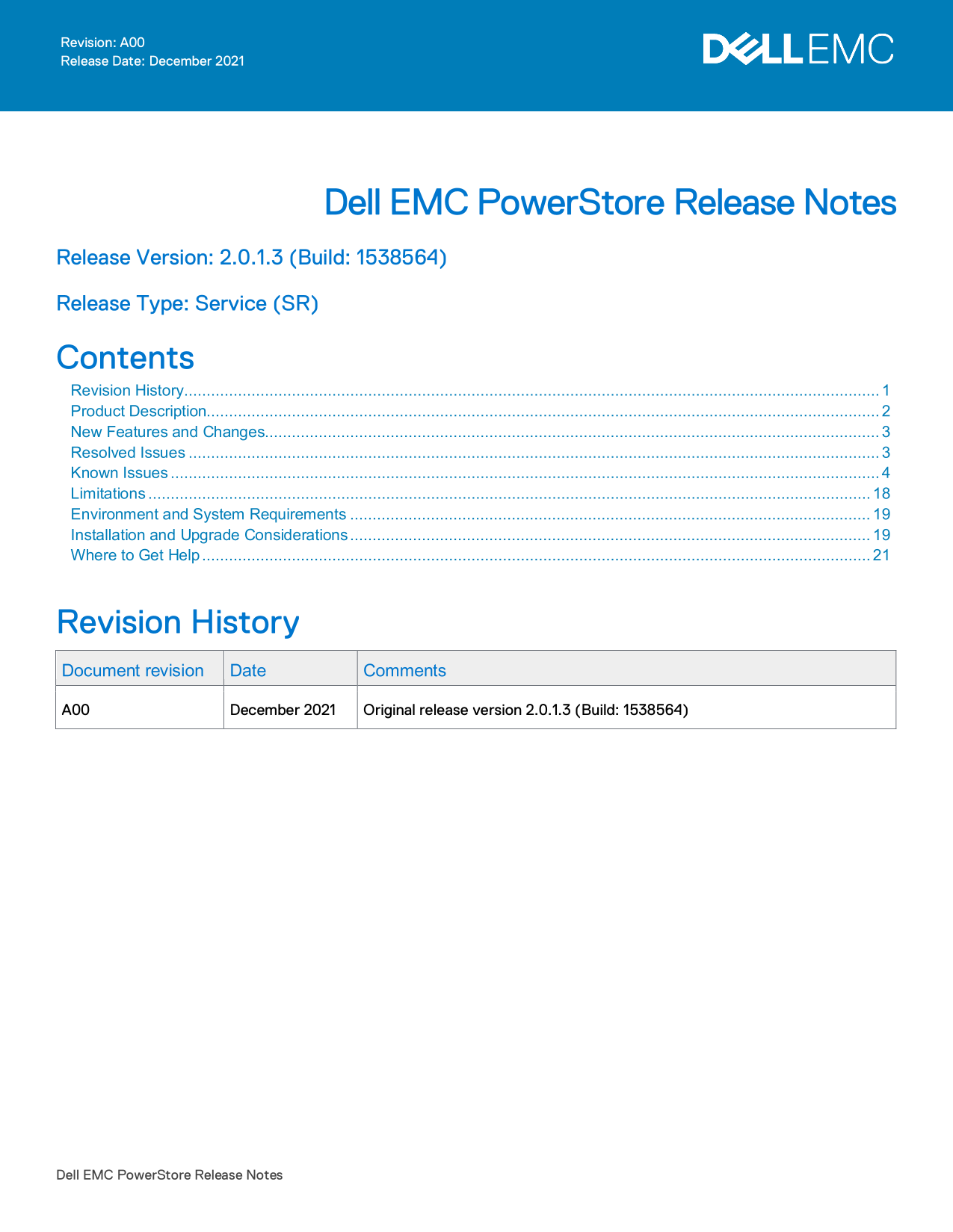
Revision: A00 Release Date: December 2021

Dell EMC Power Store Release Notes

Release Version: 2.0.1.3 (Build: 1538564)

Release Type: Service (SR)

Contents Revision History ........................................................................................................................................................... 1 Product Description...................................................................................................................................................... 2 New Features and Changes......................................................................................................................................... 3 Resolved Issues .......................................................................................................................................................... 3 Known Issues .............................................................................................................................................................. 4 Limitations ................................................................................................................................................................. 18 Environment and System Requirements .................................................................................................................... 19 Installation and Upgrade Considerations .................................................................................................................... 19 Where to Get Help ..................................................................................................................................................... 21

Revision History Document revision Date Comments A00 December 2021 Original release version 2.0.1.3 (Build: 1538564)

Dell EMC Power Store Release Notes

Page Summary Contents For Dell EMC PowerStore Release Notes for PowerStore OS Version 2.0.1.3 - Build 1538564

Page 1 Revision: A00 Release Date: December 2021 Dell EMC Power Store Release Notes Release Version: 2.0.1.3 (Build: 1538564) Release Type: Service (SR) Contents Revision History ...............................
Page 2 Product Description The ground-breaking Dell EMC Power Store achieves new levels of operational simplicity and agility, utilizing a container-based architecture, advanced storage technologies, and int...
Page 3 Power Store deployment models and configurations Deployment Model Model numbers Support Configurations Power Store T 500T Storage-centric deployments. 1000T Both block (storage area networks (SAN)) an...
Page 4 Known Issues The following high severity issues are reported in this release. For a list of the minor issues, see the Power Store Release Notes – Minor Issues Knowledge Base Article Number: 000155626....
Page 5 Issue ID Functional Description Workaround/Resolution MDT-211358 Connectivity- Power Store Discovery IP by Zeroconf Perform either one of the following Networks technology stopped advertising on actio...
Page 6 Issue ID Functional Description Workaround/Resolution MDT-220994 Data Protection The replication session may not be To delete the replication session, do the deleted once a Protection Policy is follow...
Page 7 Issue ID Functional Description Workaround/Resolution MDT-263147 Hardware If you add an appliance to a cluster None when another appliance in the cluster is powered off, the add appliance operation wi...
Page 8 Issue ID Functional Description Workaround/Resolution MDT-316865 Internal Migration of a volume may be Contact your service provider. Migration interrupted indefinitely during the migration session sy...
Page 9 Issue ID Functional Description Workaround/Resolution MDT-239624 Internal When a VM is being deployed from a Use several VM templates created from Migration VM template, v Sphere uses the clone the sa...
Page 10 Issue ID Functional Description Workaround/Resolution MDT-164726 Install or If the Pre-Upgrade Health Check fails None Upgrade during an upgrade from Power Store OS 1.0 to Power Store OS 1.0.1 or late...
Page 11 Issue ID Functional Description Workaround/Resolution MDT-249810 Monitoring If the total system capacity is below Make sure that the system capacity is 10TB, free page tables are not higher than 10TB....
Page 12 Issue ID Functional Description Workaround/Resolution MDT-282118 Security Timeout error occurs when trying to Be sure that the Advanced Settings in log into Power Store using the LDAP the Power Store ...
Page 13 Issue ID Functional Description Workaround/Resolution MDT-121966 Storage - File The File system deleted alert is Review the alert details, to confirm the displayed as an active alert in alert is for a...
Page 14 Issue ID Functional Description Workaround/Resolution MDT-116676 Storage - File The "NAS node <node name> is down," Wait for the alert to clear before major alert may be seen after cha...
Page 15 Issue ID Functional Description Workaround/Resolution MDT-280394 Support Assist If your environment is set up to use the Either change your firewall rules to allow Gateway Connect configuration but is...
Page 16 Issue ID Functional Description Workaround/Resolution MDT-156507 Virtualization In high scale VMware v Sphere In v Center server, increase the heartbeat environments, where the ESXi hosts timeout inte...
Page 17 Issue ID Functional Description Workaround/Resolution MDT-119414 Virtualization Deploying a VM fails, and checking the Try to deploy the VM again. For more vvold.log v Center log file reveals the info...
Page 18 Limitations The following limitations exist in this release. Power Store T and Power Store X model limitations The following limitations exist in Power Store T and Power Store X deployment models. Fun...
Page 19 Refer to the Power Store product support pages (https://www.dell.com/support) for detailed user documentation. Environment and System Requirements All Power Store deployment models must meet the follo...
Page 20 Power Store X model cluster To view a list of compatible Power Store OS and ESXi/v Center versions for Power Store X model appliances, see the VMware Licensing and Support for Power Store X table in t...
Page 21 Power Store version 2.0.x.x. However, the ESXi hosts on the nodes of the cluster must be rebooted to complete the installation of the preupgrade package and node firmware updates before the Power Stor...

Manual Details

Brand Dell
Pages 21
File Size 268.16 KB
Published June 23, 2026
8 views

Enter the captcha to get the download link:

captcha

Frequently Asked Questions

What deployment models are supported by PowerStore?

PowerStore T supports block (SAN) and file (NAS) services, while PowerStore X is designed for application and storage-centric deployments.

How can I improve resource utilization with PowerStore?

It uses a scale-out architecture and hardware-accelerated advanced data reduction to deliver enhanced resource utilization.

What connectivity options are available on the All NVMe Platform?

The platform supports FC (32 Gb, 32/16/8Gb), Ethernet (25/10/1 GbE iSCSI & File), and includes NVMe Flash and Storage Class Memory (SCM) media support.

What is the maximum scalability of a PowerStore cluster?

It can Scale Up to 2.8 PBe per appliance, and Scale Out to 4 appliances, supporting up to 11.3 PBe per cluster.