Casio QT-6000 User Guide
Summary
This advanced POS system revolutionizes hospitality operations by providing a seamless, reliable platform for restaurants and retail environments. Featuring a clear touch display, it supports diverse needs—from table management in high-end dining to streamlined order processing at fast-food locations. The manual highlights its robust capabilities, including automated check splitting, comprehensive labor tracking, inventory control, and flexible networking, ensuring error-free transactions and superior operational efficiency without requiring complicated operating systems.
Page 1 Text Content
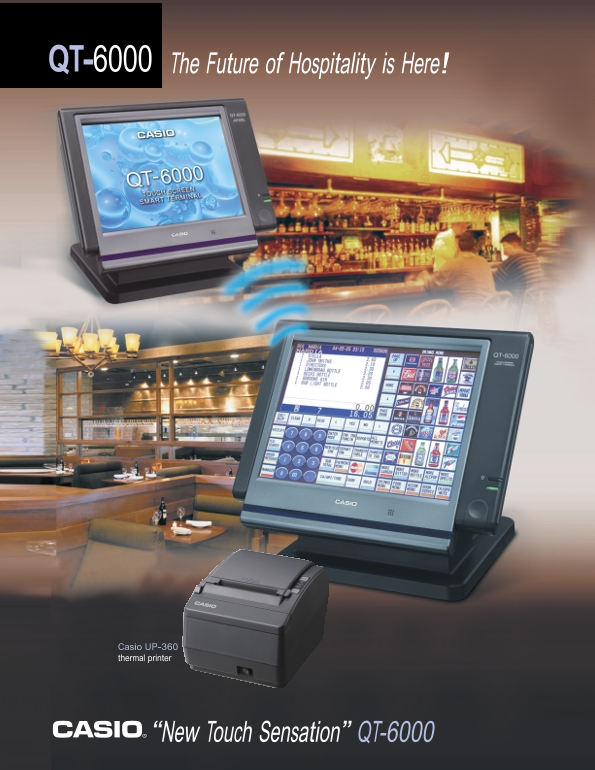
QT-6000 The Future of Hospitality is Here!
Casio UP-360 thermal printer
“New Touch Sensation” QT-6000
Page Summary Contents For Casio QT-6000 User Guide
Manual Details
| Brand | Casio |
|---|---|
| Pages | 2 |
| File Size | 446.41 KB |
| Published | June 05, 2026 |
Enter the captcha to get the download link:

Frequently Asked Questions
Does the QT-6000 require a complex operating system for networking?
No, it uses Ethernet 10/100 Base TX and can implement wireless communication without needing a Windows OS or hard drive.
What specific functions does the "ROOM SCREEN" provide in restaurant service?
It allows servers to quickly select tables, view status via color coding (open, occupied, etc.), and see details like check balance and time opened.
How can store management aid in controlling employee labor costs?
The system offers extensive Time & Attendance tracking, monitoring clock-in/out times, break use, pay per hour, and pay to sales ratios.
Are there options for processing credit and debit payments?
Yes. An optional magnetic stripe reader (QT-6046MCR) can be used, and a wide thermal printer is available for customer identification and receipts.