Casio PX-S1100 MIDI Implementation User Guide - MIDI Specifications
Summary
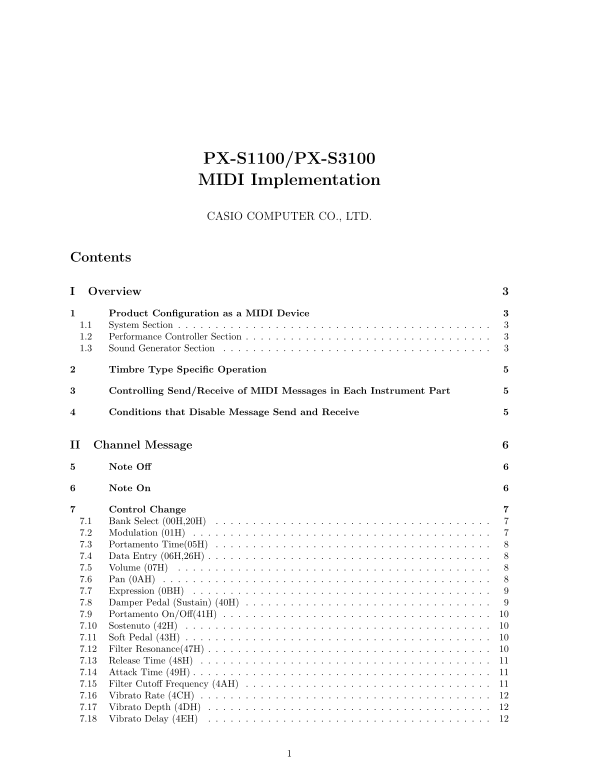
Master this sophisticated audio controller and unlock its full creative potential. This comprehensive manual serves as an indispensable technical reference for professional musicians, sound designers, and studio engineers. It provides an exhaustive deep dive into every facet of MIDI implementation, covering everything from detailed performance control parameters—such as modulation, portamento, and vibrato—to advanced system messages (Note On/Off, CC). Learn how to precisely configure sound generators, manage complex routing sends (Reverb, Chorus), and fully understand the hex and binary settings required for expert-level sound design and integration.
Manual Details
| Brand | Casio |
|---|---|
| Pages | 27 |
| File Size | 86.36 KB |
| Published | May 17, 2026 |
Enter the captcha to get the download link:

Frequently Asked Questions
What happens when I want to stop all notes?
Use the 'All Notes Off' command (7BH) or the dedicated switch.
How can I adjust effects like reverb or chorus?
Adjust using specific hexadecimal messages such as Send Level for Reverb (5BH) and Chorus (5DH).
What are some advanced control parameters available?
You can control Damper Pedal (Sustain) with 40H, Portamento On/Off with 41H, and Vibrato Depth with 4DH.
How do I get the device to respond universally?
Use the System Exclusive Message, specifically CASIO General System Exclusive messages for universal control.