Casio Electronic Instruments CDP-S100 MIDI Implementation Guide
Summary
Elevate your performance setup with these advanced MIDI implementation controllers, designed for seamless musical expression. This comprehensive manual serves as a technical reference guide, detailing every aspect of MIDI message communication. It covers both performance control signals (such as Note On/Off, Volume, Modulation, Expression, and Filter Resonance) and system-level messages required for complex integration. Ideal for professional musicians, producers, or enthusiasts who require deep knowledge of MIDI messaging standards to achieve precise and sophisticated sound design in their studio environment.
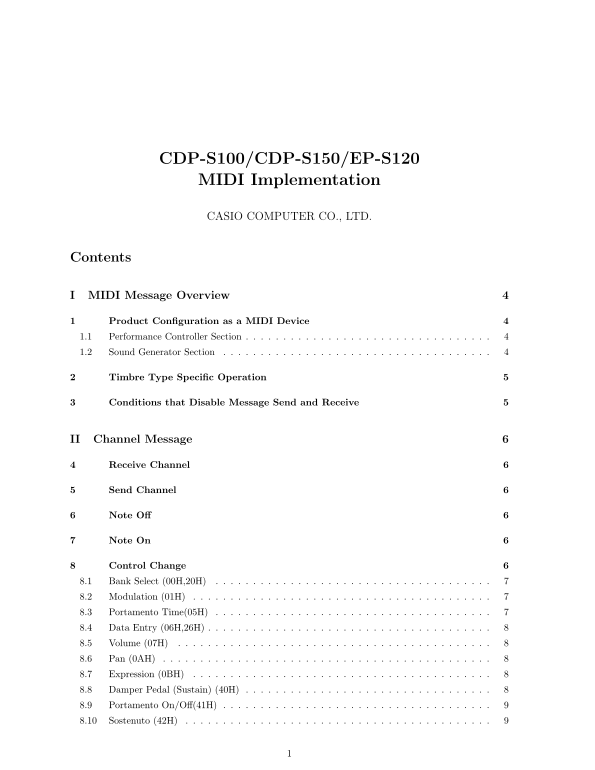
Manual Details
| Brand | Casio |
|---|---|
| Pages | 21 |
| File Size | 68.58 KB |
| Published | May 17, 2026 |
Enter the captcha to get the download link:

Frequently Asked Questions
How is data expressed in MIDI messages?
Data can be expressed using hexadecimal notation (indicated by 'H') or binary notation (indicated by 'B').
What are the basic sections of this device as a MIDI unit?
The Instrument consists of two parts: the Performance Controller Section and the Sound Generator Section.
How can I activate Mono, Omni, or Poly modes?
Use system messages 7EH (Mono Mode On), 7CH (Omni Mode Off), or 7FH (Poly Mode On) respectively. All notes are turned off when these codes are sent.
What MIDI control changes are available for sound shaping?
Available controls include Modulation (01H), Portamento Time (05H), Volume (07H), and Filter Resonance (47H).