ATEN CS-114A User Guide Manual
Summary
The Master View CS-114A is a robust 4 Port KVM Switch designed for efficient multi-computer management. This specialized control unit allows users to access four independent PC systems using a single monitor, keyboard, and mouse set. Ideal for offices or lab environments needing cost and space savings, the switch features hotkey selection, pushbutton switching, and seamless operation with no software installation required. The accompanying manual guides you through simple physical setup, operational procedures, essential connection requirements (VGA/PS/2), and advanced status monitoring using integrated LEDs.
Page 1 Text Content
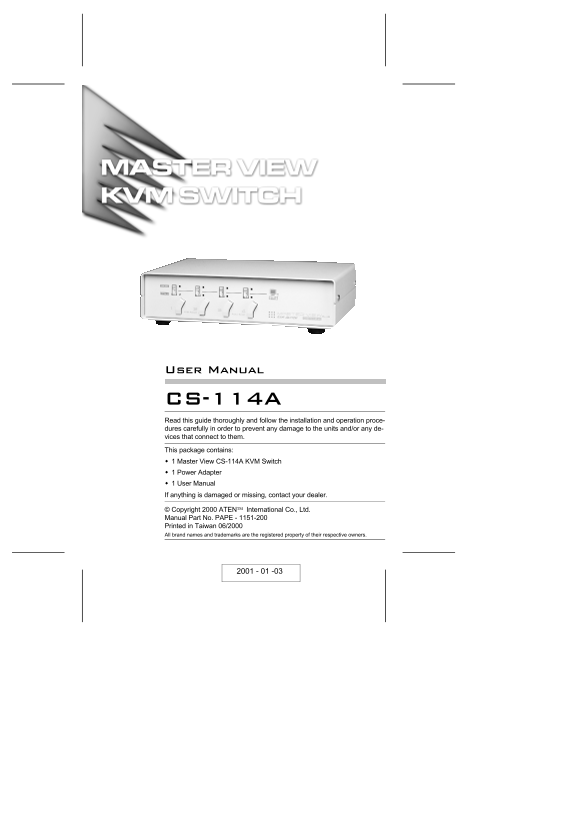
Read this guide thoroughly and follow the installation and operation proce- dures carefully in order to prevent any damage to the units and/or any de- vices that connect to them. This package contains: 1 Master View CS-114A KVM Switch 1 Power Adapter 1 User Manual If anything is damaged or missing, contact your dealer.
© Copyright 2000 ATEN International Co., Ltd. Manual Part No. PAPE - 1151-200 Printed in Taiwan 06/2000 All brand names and trademarks are the registered property of their respective owners.
Page Summary Contents For ATEN CS-114A User Guide Manual
Manual Details
| Brand | ATEN |
|---|---|
| Pages | 16 |
| File Size | 662.92 KB |
| Published | May 15, 2026 |
Enter the captcha to get the download link:

Frequently Asked Questions
What kind of operating systems does it support?
It is compatible with all operating systems because it intercepts keyboard input directly.
Are there any software or installation routines needed?
No, there is no software to configure, nor any installation routines required for use.
How many computers can the system manage?
The unit can be cascaded up to three levels, allowing control of up to 64 computers.
How do I reset a stuck keyboard and mouse input?
Simultaneously press the Port1 / Port2 switch combination for three seconds while using the K/M Reset function.