Apple Power Mac G4 and Macintosh Server G4 - Modem - Replacement Instructions
Summary
This comprehensive guide provides expert instructions for replacing a modem in Power Mac G4 and Macintosh Server G4 systems. It details the entire hardware process, from safely shutting down your computer to physically removing old components and correctly installing certified replacements. Ideal for experienced users or technicians needing detailed, step-by-step procedures for internal system maintenance, ensuring secure installation and proper reconnection of all necessary cables.
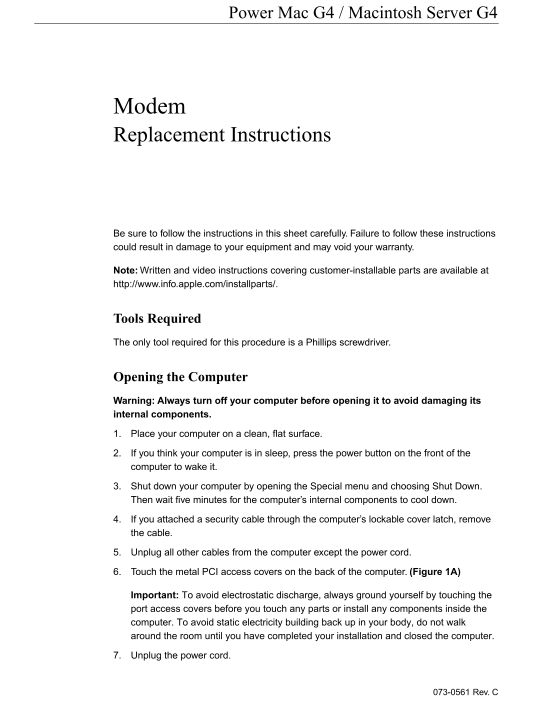
Page 1 Text Content
Power Mac G4 / Macintosh Server G4
Modem Replacement Instructions
Be sure to follow the instructions in this sheet carefully. Failure to follow these instructions could result in damage to your equipment and may void your warranty.
Note: Written and video instructions covering customer-installable parts are available at http://www.info.apple.com/installparts/.
Tools Required The only tool required for this procedure is a Phillips screwdriver.
Opening the Computer Warning: Always turn off your computer before opening it to avoid damaging its internal components. 1. Place your computer on a clean, flat surface. 2. If you think your computer is in sleep, press the power button on the front of the computer to wake it. 3. Shut down your computer by opening the Special menu and choosing Shut Down. Then wait five minutes for the computer’s internal components to cool down. 4. If you attached a security cable through the computer’s lockable cover latch, remove the cable. 5. Unplug all other cables from the computer except the power cord. 6. Touch the metal PCI access covers on the back of the computer. (Figure 1A)
Important: To avoid electrostatic discharge, always ground yourself by touching the port access covers before you touch any parts or install any components inside the computer. To avoid static electricity building back up in your body, do not walk around the room until you have completed your installation and closed the computer.
7. Unplug the power cord.
073-0561 Rev. C
Page Summary Contents For Apple Power Mac G4 and Macintosh Server G4 - Modem - Replacement Instructions
Manual Details
| Brand | Server |
|---|---|
| Pages | 4 |
| File Size | 257.15 KB |
| Published | June 02, 2026 |
Enter the captcha to get the download link:

Frequently Asked Questions
What tools are needed to replace the modem?
Only a Phillips screwdriver is required for this procedure.
Before opening the computer, what safety steps should be taken?
Always turn off the computer, wait five minutes for components to cool, and ground yourself by touching metal access covers to avoid static discharge.
How do I ensure the new modem is correctly configured internationally?
Open the 'Modem Country Selector' utility after replacement and verify that the modem is set to the correct country.
Can I use the computer while it’s open or missing parts?
No, never turn on your computer unless all internal and external parts are in place and it is securely closed, as this can cause damage or injury.