SHARP EL6800 Operation Guide - User Manual
Summary
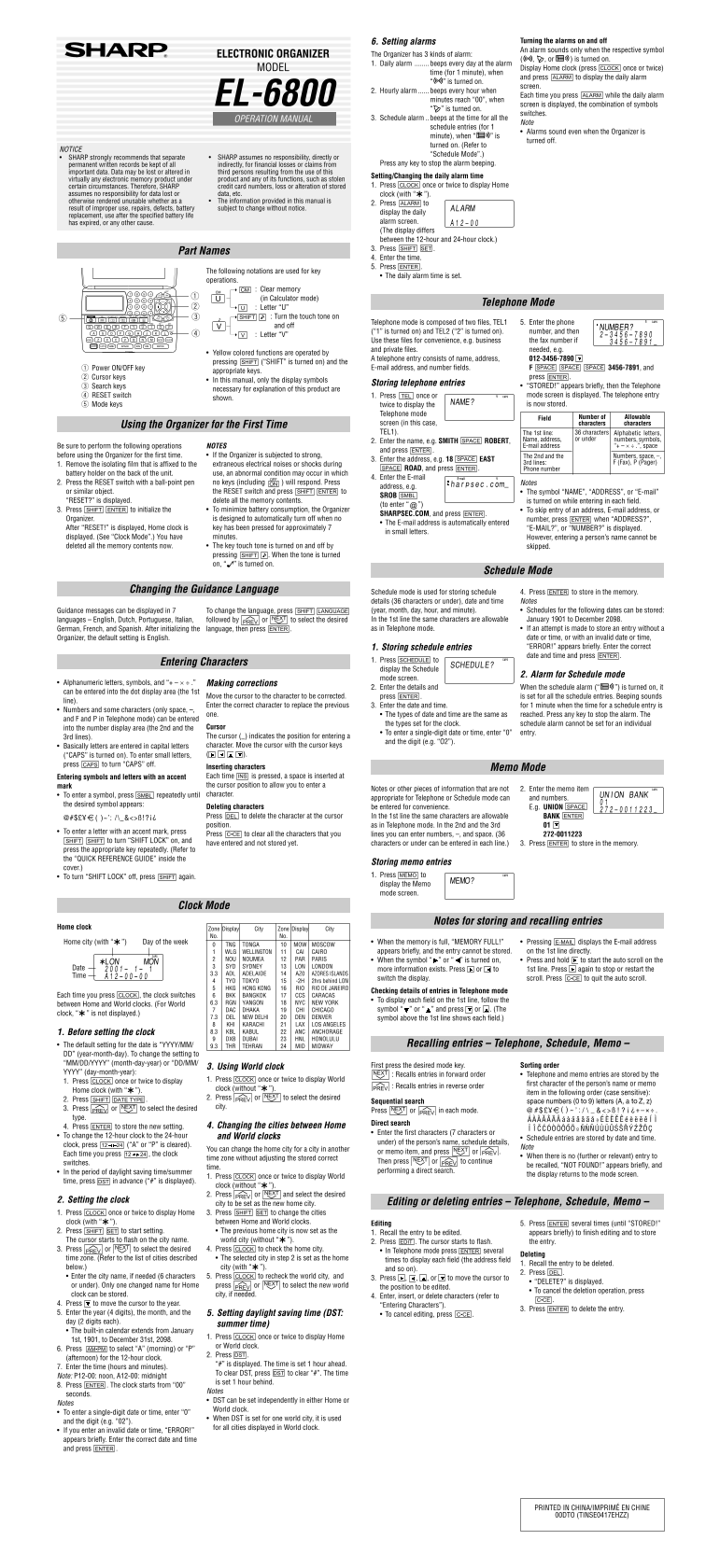
Master your personal life with this comprehensive guide to your advanced Organizer device. Learn how to set multiple alarm types—including daily, hourly, and customizable schedule alerts—to ensure you never miss an important moment. The manual provides detailed instruction on storing professional contacts (Name, Address, E-mail), managing complex schedules, activating secure Secret Mode, and performing initial setup procedures. Perfect for busy professionals requiring reliable organization and memory management.
Manual Details
| Brand | Sharp |
|---|---|
| Pages | 2 |
| File Size | 185.79 KB |
| Published | June 02, 2026 |
Enter the captcha to get the download link:

Frequently Asked Questions
How do I set a daily alarm?
Press CLOCK (once or twice) to display the Home clock, press ALARM, then enter the desired time using SHIFT SET and pressing ENTER.
What types of alarms are available on this Organizer?
There are three kinds: Daily alarm, Hourly alarm, and Schedule alarm.
How do I ensure my memory contents don't fade?
SHARP assumes no responsibility for data lost or altered from unexpected circumstances like power loss or improper use; keep permanent written records.
How can I delete all memory contents?
To delete, press the RESET switch with a ball-point pen and then follow the on-screen prompts or restart the device as directed.