Seagate FreeAgent Pro Classic Desktop External Hard Drive Quick Start Guide
Summary
Designed for users needing a simple yet reliable way to access, share, and back up digital content, this guide walks you through setting up your new FreeAgent Pro external hard drive. It provides comprehensive, step-by-step instructions for both Windows and Mac operating systems, covering everything from initial hardware connection to software installation and essential data backup routines. Ideal for first-time users, this manual ensures you can quickly configure the device and protect your valuable files with confidence.
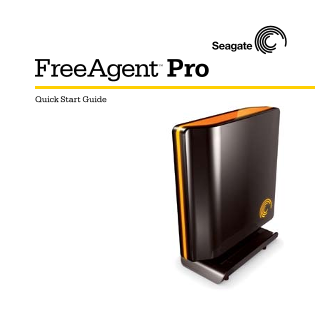
Page 1 Text Content
Free Agent TM Pro Quick Start Guide
Page Summary Contents For Seagate FreeAgent Pro Classic Desktop External Hard Drive Quick Start Guide
Manual Details
| Brand | Classic |
|---|---|
| Pages | 7 |
| File Size | 86.22 KB |
| Published | June 05, 2026 |
Enter the captcha to get the download link:

Frequently Asked Questions
What safety steps should I take before setting up the drive?
It is highly recommended that you copy the current contents of the FreeAgent Pro to a separate storage medium before proceeding.
How do I begin installing and powering on the unit?
Plug it into a powered outlet, connect the interface cable, and follow all on-screen installation instructions.
What should I do if my computer restarts during setup?
To prevent data loss, you must click the “Safely Remove Hardware” button in the system tray before disconnecting power cables.
How is hard drive capacity measured according to your manual?
One gigabyte (GB) equals one billion bytes, and one terabyte (TB) equals one thousand billion bytes.