Nikon Compact Digital Cameras COOLPIX LCOOLPIX L29 User' s Manual English (for customers in Asia, Oceania, the Middle East, and Africa)
Summary
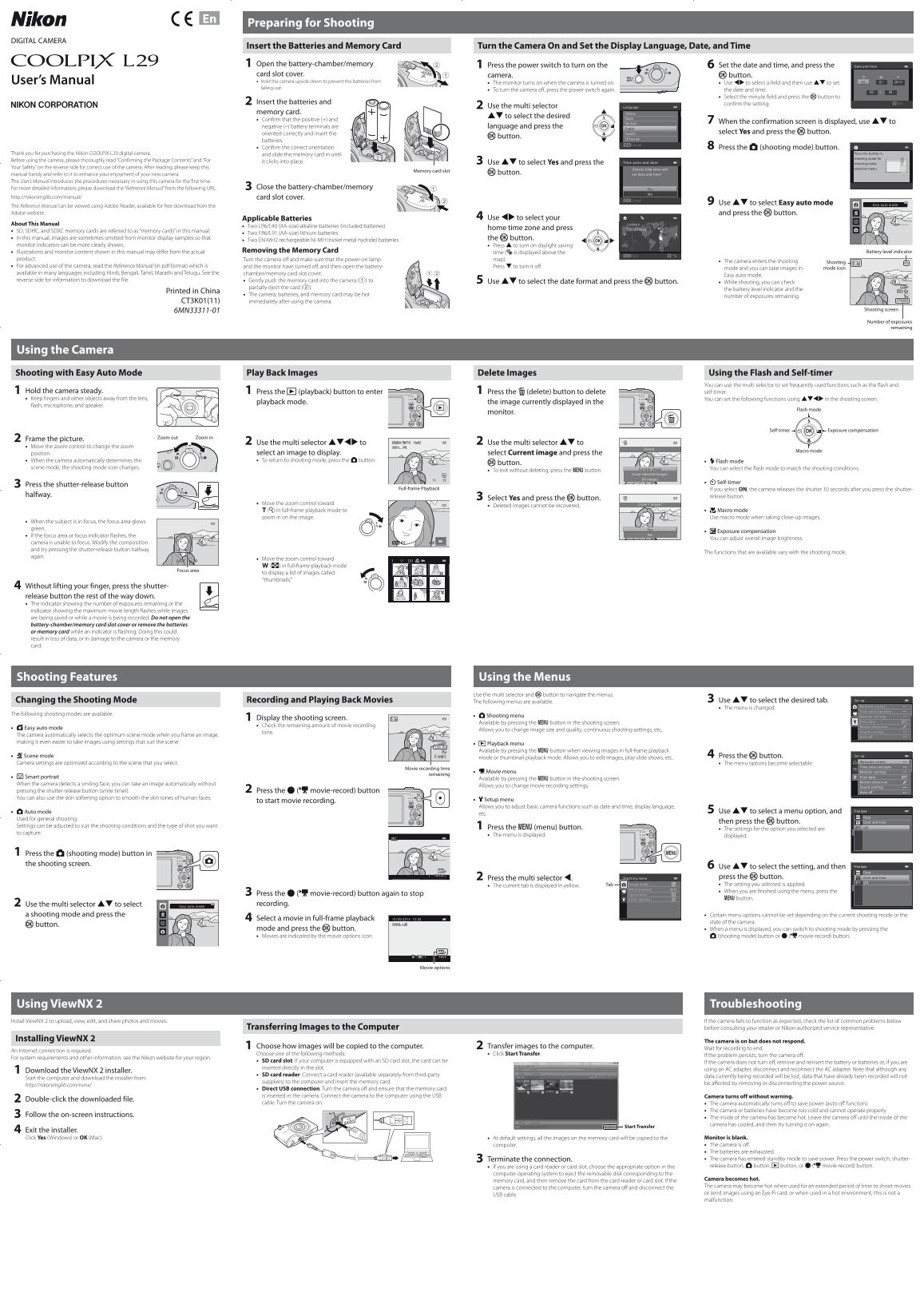
Introducing the Nikon COOLPIX L29 digital camera—your guide to capturing vivid memories effortlessly. This essential user manual provides step-by-step instructions for first-time owners, covering initial setup, basic operation, and photography basics like Easy Auto Mode and image playback. It ensures hands-on confidence while directing users to a comprehensive Reference Manual for mastering advanced features, guaranteeing you get the most out of your new camera immediately.
Manual Details
| Brand | Nikon |
|---|---|
| Pages | 2 |
| File Size | 3.02 MB |
| Published | May 27, 2026 |
Enter the captcha to get the download link:

Frequently Asked Questions
What types of batteries are compatible with the camera?
Compatible batteries include LR6/L40 alkaline (included), FR6/L91 lithium, and EN-MH2 rechargeable Ni-MH.
How do I check or change the memory card?
Turn the camera off, open the battery-chamber/memory card slot cover, gently push the card in, and slide it until it clicks into place. For removal, partially eject (2) and pull out.
What file formats does this camera support for still pictures and movies?
Still pictures are JPEG, and movies are AVI (Motion-JPEG compliant). It is also DCF, Exif 2.3, and DPOF compliant.
How do I turn off the camera to save power or when finished shooting?
To turn it off, press the power switch again after having completed your operations or simply press 'I' on the monitor.