Dell EMC Systems Management Tools and Documentation - Supported Systems Release Notes Version 9.1
Summary
Dell EMC Systems Management Tools and Documentation Release Notes Version 9.1 (December 2017) describes new features, enhancements, and fixed issues for the systems management ISO image. The ISO contains Server Administrator, iDRAC Service Module, DRAC Command Line Tools, Active Directory Snap-In, IPMI Utilities, and Dell OpenManage Suite. Server Administrator enables local and remote system management with comprehensive one-to-one monitoring capabilities. Intended for system administrators and IT operations staff responsible for deploying and managing Dell server infrastructure using OpenManage toolsets.
Page 1 Text Content
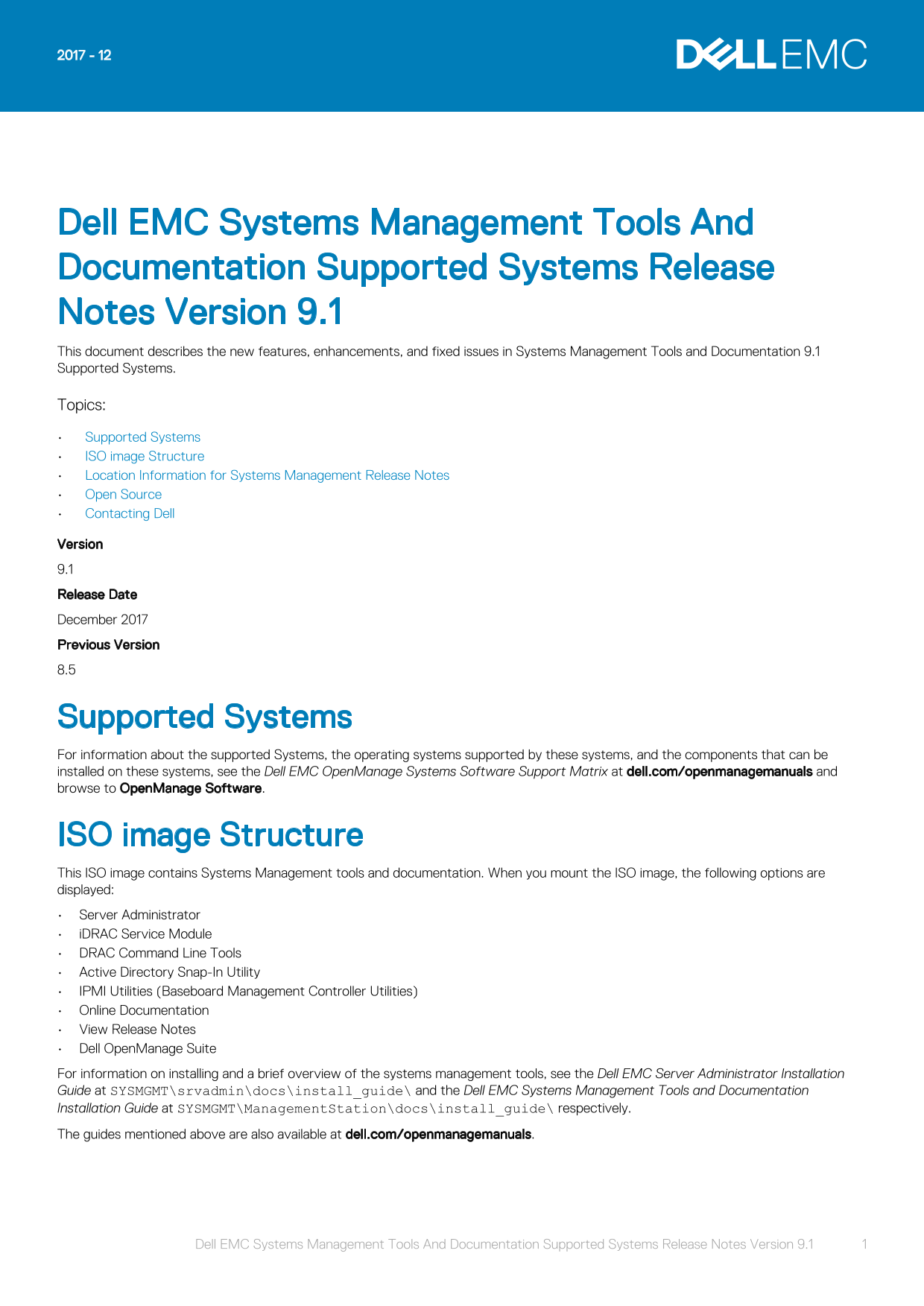
Dell EMC Systems Management Tools And Documentation Supported Systems Release Notes Version 9.1 This document describes the new features, enhancements, and fixed issues in Systems Management Tools and Documentation 9.1 Supported Systems. Topics: Supported Systems ISO image Structure Location Information for Systems Management Release Notes Open Source Contacting Dell Version 9.1 Release Date December 2017 Previous Version 8.5
Supported Systems For information about the supported Systems, the operating systems supported by these systems, and the components that can be installed on these systems, see the Dell EMC Open Manage Systems Software Support Matrix at dell.com/openmanagemanuals and browse to Open Manage Software.
ISO image Structure This ISO image contains Systems Management tools and documentation. When you mount the ISO image, the following options are displayed: Server Administrator i DRAC Service Module DRAC Command Line Tools Active Directory Snap-In Utility IPMI Utilities (Baseboard Management Controller Utilities) Online Documentation View Release Notes Dell Open Manage Suite For information on installing and a brief overview of the systems management tools, see the Dell EMC Server Administrator Installation Guide at SYSMGMT\srvadmin\docs\install_guide\ and the Dell EMC Systems Management Tools and Documentation Installation Guide at SYSMGMT\Management Station\docs\install_guide\ respectively. The guides mentioned above are also available at dell.com/openmanagemanuals.
Dell EMC Systems Management Tools And Documentation Supported Systems Release Notes Version 9.1 1
Page Summary Contents For Dell EMC Systems Management Tools and Documentation - Supported Systems Release Notes Version 9.1
Manual Details
| Brand | Dell |
|---|---|
| Pages | 4 |
| File Size | 59.81 KB |
| Published | June 24, 2026 |
Enter the captcha to get the download link:

Frequently Asked Questions
What software components are included in the ISO image?
Server Administrator, iDRAC Service Module, DRAC Command Line Tools, Active Directory Snap-In Utility, IPMI Utilities, Online Documentation, and Dell OpenManage Suite.
What features does the iDRAC Service Module 3.1.0 provide?
Operating system information, Lifecycle Controller Log replication, Automatic System Recovery, and WMI Management Providers.
How can I contact Dell for support?
Go to dell.com/contactdell, select your region, choose a language, select your business segment, and pick the appropriate support option.
Where can I find release notes on the ISO image?
Release notes are available in English in specific directory paths within the image, such as SYSMGMTsrvadmindocsreadmereadme_sa.txt.