CASIO SA-76/77/78 User's Guide (1)
Summary
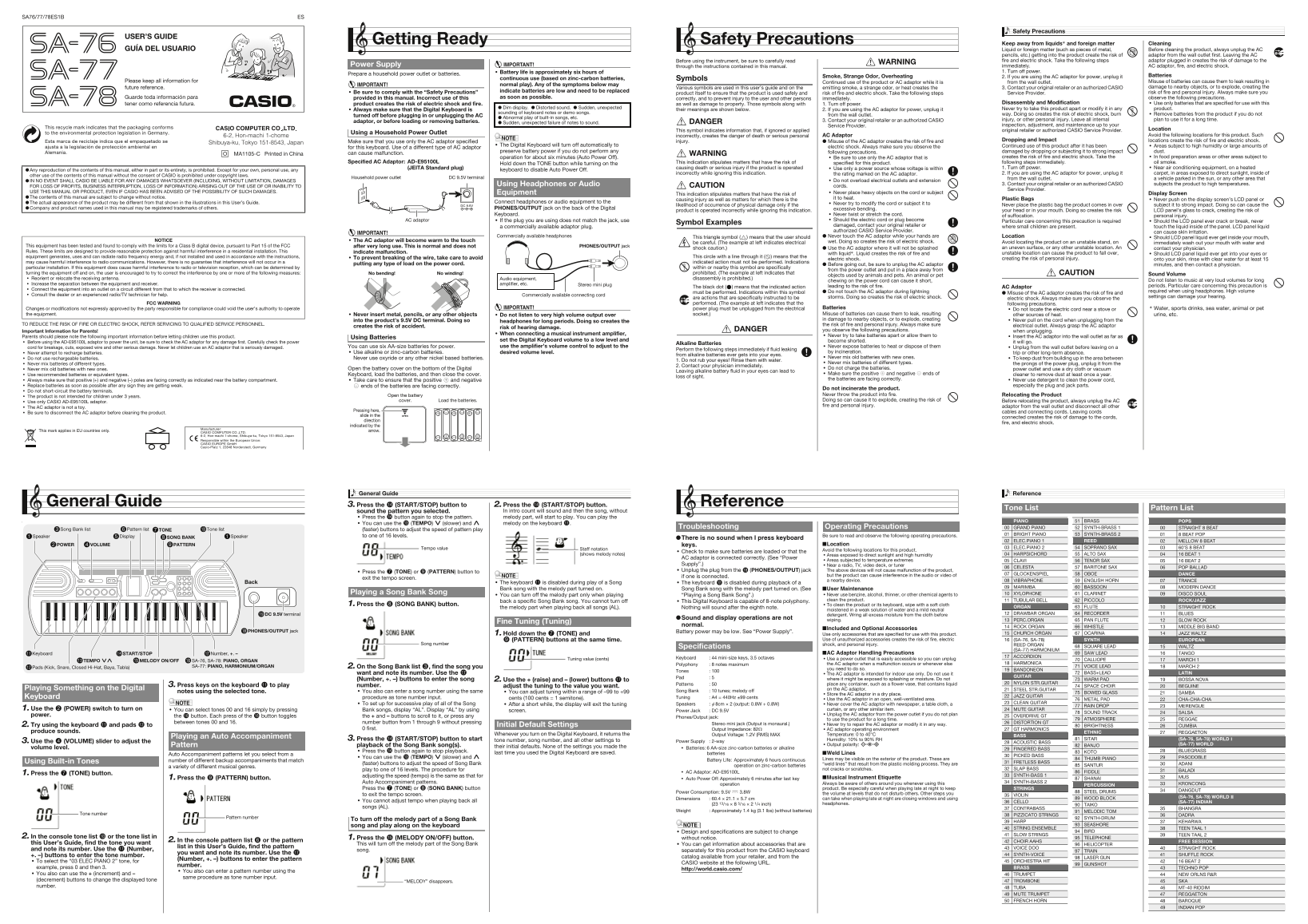
This comprehensive User's Guide provides new and current owners of your digital keyboard with essential operating knowledge. It details advanced musical functions, including accessing tones, rhythms, and custom settings. Paramount emphasis is placed on critical safety precautions, covering electrical hazards, proper battery usage, and maintenance to prevent fire or electric shock. This manual ensures safe and effective use for all musicians.
Manual Details
| Brand | Casio |
|---|---|
| Pages | 2 |
| File Size | 749.65 KB |
| Published | June 05, 2026 |
Enter the captcha to get the download link:

Frequently Asked Questions
What safety precautions must I take regarding power usage?
Always unplug the AC adaptor before cleaning or changing batteries, keep it away from liquids, and only use the specified adapter to prevent electric shock and fire.
How do I select a specific tone or song pattern?
Press the TONE or SONG BANK button, then enter the desired number of tone/song name, and subsequently use the number buttons for the pattern number.
What power adaptor is required for this device?
You must only use the specified AC adaptor: AD-E95100L (JEITA Standard plug).
What should I do if the keyboard displays strange sounds like 'Distorted sound'?
This may indicate low batteries or a general abnormal issue. Always turn off the power and contact your retailer or authorized Service Provider.