Canon SELPHY ES Series Photo Printer User Guide - SELPHY ES1 / SELPHY ES1
Summary
Master the full capabilities of your printer with this comprehensive user guide. This manual provides step-by-step instructions for setting up and operating Canon hardware, ensuring a seamless connection between your device and computer. It meticulously covers software installation, driver setup from the included disk, and detailed operation procedures. Ideal for new owners or users needing technical support, this resource guides you through everything required to print flawless documents effortlessly after initial setup.
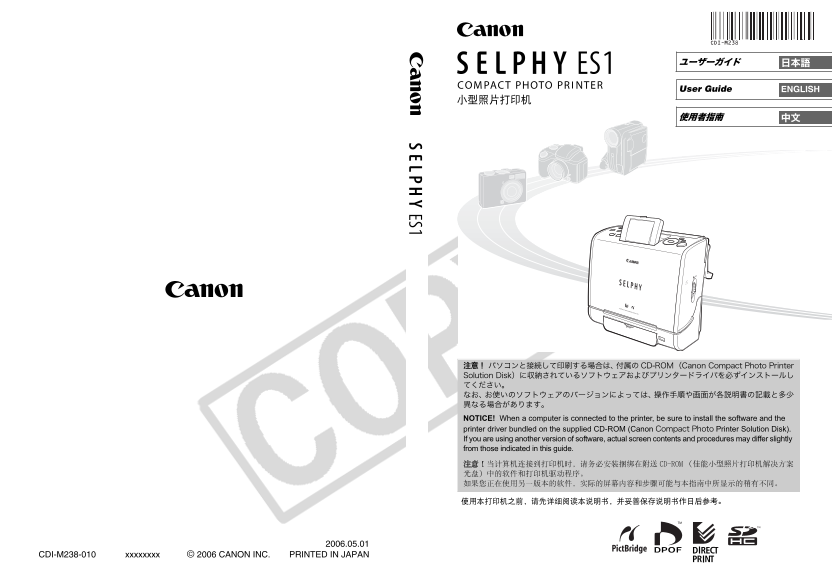
Page 1 Text Content
ENGLISHUser Guide
NOTICE! When a computer is connected to the printer, be sure to install the software and the printer driver bundled on the supplied CD-ROM (Canon Printer Solution Disk). If you are using another version of software, actual screen contents and procedures may differ slightly from those indicated in this guide.
CDI-M238-010 xxxxxxxx © 2006 CANON INC. PRINTED IN JAPAN
Page Summary Contents For Canon SELPHY ES Series Photo Printer User Guide - SELPHY ES1 / SELPHY ES1
Manual Details
| Brand | Canon |
|---|---|
| Pages | 80 |
| File Size | 5.77 MB |
| Published | May 17, 2026 |
Enter the captcha to get the download link:

Frequently Asked Questions
What must I do when connecting a computer to this printer?
You are sure to install both the software and the printer driver bundled on the supplied CD-ROM (Canon Printer Solution Disk).
If I use a different version of software, will the setup process change?
Yes; actual screen contents and procedures may differ slightly from those indicated in this manual.
What information is printed at the bottom of the guide?
The document includes copyright notices (© 2006 CANON INC.) and printing location details (PRINTED IN JAPAN).