Brother HL-2150N User Guide and Manual
Summary
The Brother HL-2150N is a compact, network-ready mono laser printer designed for small offices and home businesses needing fast, reliable, and high-quality printing. This manual provides comprehensive details on its technical specifications, versatile connectivity options (including USB 2.0 and Ethernet), and full driver support for Windows, Mac, and Linux. It covers powerful features like N-up printing and efficient resource management, ensuring users can maintain cost-effective professional document output with ease.
Page 1 Text Content
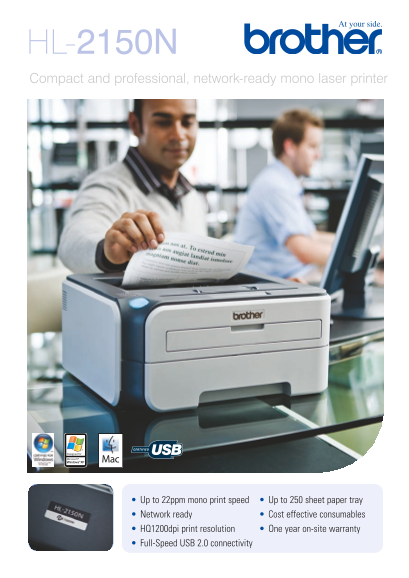
HL-2150N Compact and professional, network-ready mono laser printer
Up to 22ppm mono print speed Up to 250 sheet paper tray Network ready Cost effective consumables HQ1200dpi print resolution One year on-site warranty Full-Speed USB 2.0 connectivity
Page Summary Contents For Brother HL-2150N User Guide and Manual
Manual Details
| Brand | Brother |
|---|---|
| Pages | 4 |
| File Size | 540.84 KB |
| Published | May 17, 2026 |
Enter the captcha to get the download link:

Frequently Asked Questions
How fast can the HL-2150N print?
It prints up to 22ppm A4 pages, with a first print out time of less than 10 seconds.
Does the printer support networking and various file types?
Yes, it has built-in network connectivity (Ethernet) and supports protocols like TCP/IP, IPP, FTP Server, and Web Based Management.
What media can I print on using this machine?
It accepts standard paper (A4, Letter, B5), envelopes, labels, recycled paper, and transparencies via manual feed slot and standard tray.
Are there specialized printing features available?
Yes, features include N-up Printing, Poster Printing, Watermark Printing, and duplex printing capabilities.